Ultimate Guide: What Shopify Order Editing Apps Do and Why You Need One in 2026
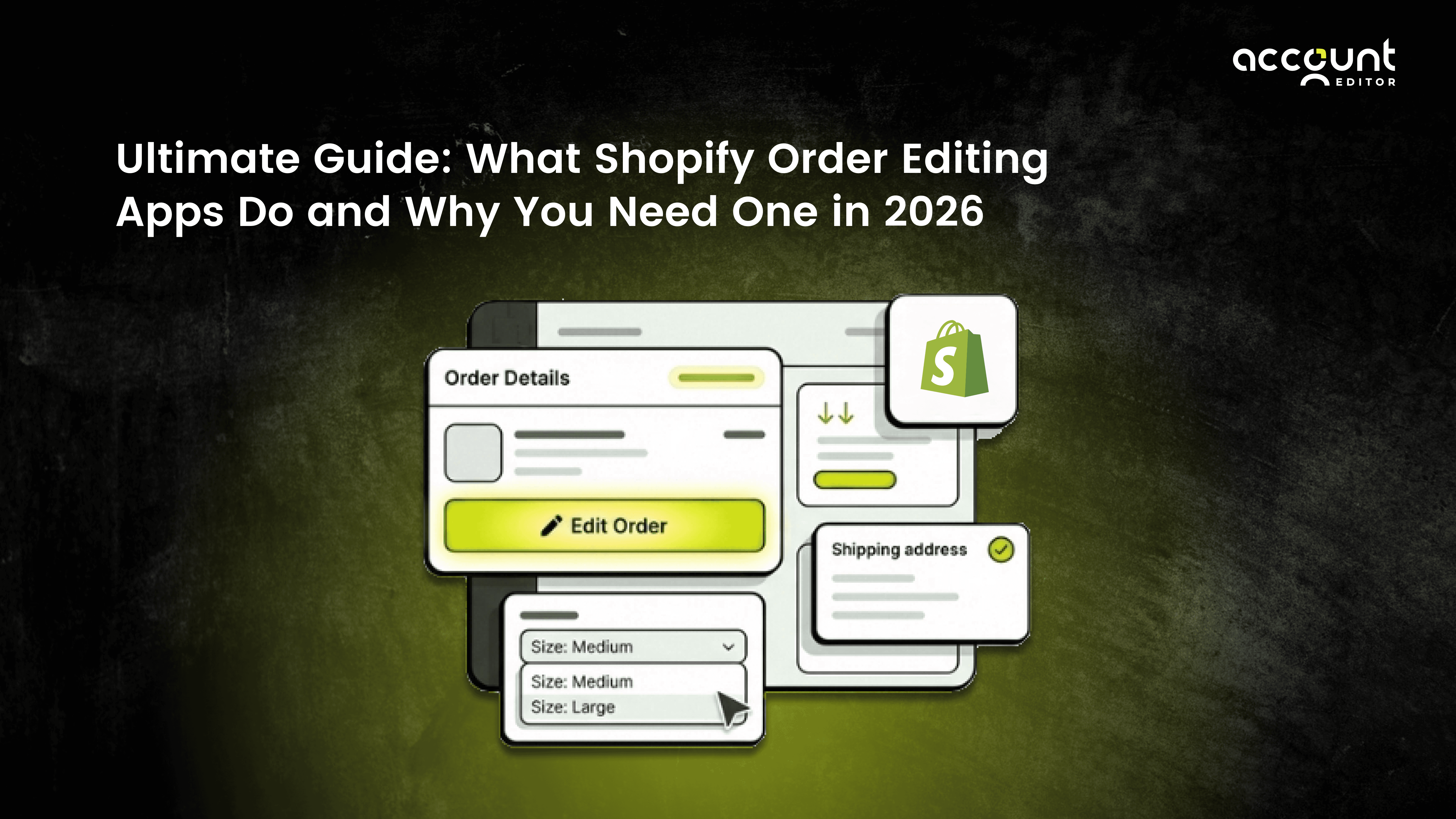
A customer completes checkout. Payment is confirmed. The order enters your system.
Then the doubts arise.
“Was the shipping address wrong.”
“Can I change the size?”
“I forgot to add one more item.”
This is where order editing becomes critical.
Order editing is the process of modifying an order after checkout but before fulfillment. In Shopify, staff can edit orders manually inside the admin. However, customers cannot edit their own orders unless a Shopify order editing app is installed.
As eCommerce continues to grow and fulfillment speeds increase, the time between checkout and shipment is shrinking.
In 2026, post-purchase flexibility is no longer optional. Stores that rely only on manual changes often face higher support costs, delayed shipments, and avoidable cancellations.
This guide explains:
What order editing means in Shopify
How Shopify order editing apps work
The operational impact of manual vs automated editing
Why structured post-purchase control matters in 2026
Let’s begin with a clear definition.
What Does Order Editing Mean?
Order editing is the process of modifying a customer’s order after checkout but before fulfillment. It may include changing the shipping address, updating quantities, swapping products, removing items, adding new products, or cancelling the order. Order editing happens in the short window between payment confirmation and shipment.
Order Editing vs Returns
Order editing occurs before fulfillment.
Returns happen after delivery.
This difference matters because correcting mistakes before shipment prevents:
Refund cycles
Reverse logistics costs
Customer dissatisfaction
For growing stores, preventing problems is more efficient than fixing them.
How Order Editing Works in Shopify. Can Shopify Orders Be Edited?
Yes, Shopify allows store staff to edit orders inside the admin panel, but customers cannot edit their own orders by default.
According to Shopify’s official documentation, merchants can add or remove items, adjust quantities, and issue refunds or request additional payment when totals change.
However, this process requires staff action.
Why Manual Order Editing Creates Operational Pressure
As order volume increases, manual order editing begins to strain operations. What may seem manageable at 10 orders per day becomes inefficient at 200 or 2,000. Every address change, quantity update, or cancellation request requires staff intervention inside the Shopify admin. This creates delays, increases support workload, and raises the risk of fulfillment errors. In fast-moving eCommerce environments, even small manual tasks compound quickly. Over time, relying only on manual order editing limits scalability and adds operational pressure that automation is designed to solve.
1. Rising eCommerce Volume
Global retail eCommerce continues to scale rapidly across markets. Industry forecasts project that global eCommerce sales are projected to exceed $6 trillion annually, accounting for a growing share of total retail sales worldwide.
This growth is not just about revenue. It reflects a sharp increase in daily transaction volume across platforms like Shopify. As transaction volume rises, even minor customer errors, such as incorrect addresses, wrong product variants, or forgotten items, increase proportionally. At scale, these small mistakes become operational patterns rather than exceptions. Without structured order editing systems, support teams must manually resolve each case, slowing fulfillment workflows and increasing costs.
2. Checkout Errors and Customer Behaviour
Research shows that checkout usability issues frequently contribute to customer mistakes during the buying process. Their large-scale usability studies indicate that even small friction points, such as unclear form fields, auto-fill errors, or rushed mobile checkout behaviour, can result in inaccurate order details.
When customers discover these mistakes after payment, they turn into post-purchase problems. The most common issues include:
Incorrect shipping address
Wrong product size or variant
Forgotten items that customers intended to purchase
Accidental duplicate orders
Individually, these may appear minor. At scale, they create repeated support requests and manual admin tasks. Without a structured order editing app, each case requires staff intervention, increases operational workload, and may delay fulfillment.
What Shopify Order Editing Apps Actually Do
Shopify order editing apps extend Shopify’s native order system by allowing controlled modifications after checkout. While Shopify enables staff to edit orders manually inside the admin, these apps introduce structured customer self-service order editing within defined rules. They automate common post-purchase changes such as address updates, item swaps, quantity adjustments, cancellations, and even post-purchase additions, all while recalculating totals through Shopify’s official APIs. In short, they turn manual order correction into a scalable, rule-based system.
1. What Is a Shopify Order Editing App?
A Shopify order editing app allows customers to modify their own orders after checkout, within rules set by the merchant.It automates merchant-controlled changes like address updates, item swaps, cancellations, and post-purchase additions without requiring manual support.
2. Customer Self-Service Editing
Order editing apps allow customers to:
Change shipping address
Update phone or contact details
Adjust quantity
Swap items
Remove products
Add new products
Instead of contacting support, customers fix mistakes directly on the Order Status page.
3. Edit Windows and Time Controls
Merchants can control how long editing remains open.
For example, editing may be allowed for:
30 minutes
2 hours
24 hours
Until fulfillment begins
After the window closes, editing automatically disables. This protects fulfillment workflows.
4. Smart Cancellation Controls
The order editing app includes cancellation automation.
Merchants can allow:
Self-service cancellation before fulfillment
Automatic refund to the original payment method
Restocking fee deduction
This reduces manual refund handling.
5. Post-Purchase Upselling
Some order editing apps extend into post-purchase revenue.
Customers may see recommended products on the Thank You page or Order Status page. Because payment has already been completed, these offers do not interfere with checkout conversion.
This turns order editing into a revenue opportunity.
6. Shipping and Tax Recalculation
If a customer updates their address, advanced order editing apps can trigger Shopify’s rate recalculation system. Shipping fees and taxes adjust automatically.
This is important for cross-border sellers where tax rules vary by location.
7. Automation and Notifications
Order editing apps typically include automated notifications.
Customers receive confirmation emails when changes are made. Staff can receive alerts when necessary. Reminder emails may be sent before edit windows expire.
Account Editor, for example, includes configurable timeframes, cancellation logic, upsell rules, shipping recalculation, invoice controls, notifications, and localization settings. These capabilities align with a helpful, efficient, and dependable tone.
Manual vs Automated Order Editing
Manual and automated order editing represent two different approaches to handling post-purchase changes in Shopify. Manual order editing requires staff to update orders inside the Shopify admin for every address change, quantity adjustment, or cancellation request. Automated order editing, powered by Shopify order editing apps, allows customers to make controlled modifications themselves within defined rules. The difference affects support workload, fulfillment speed, and operational scalability.
1. What Is Automated Order Editing?
Automated order editing allows customers to modify orders within structured rules, without requiring manual staff intervention.
Manual editing depends entirely on support teams. Automated editing shifts controlled access to customers while maintaining operational safeguards.
Automation reduces support tickets and speeds up post-purchase corrections.
2. Comparison: Manual vs Automated Order Editing
Factor | Manual Order Editing | Automated Order Editing |
|---|---|---|
Who makes changes | Staff only | Customers within defined rules |
Support workload | High and repetitive | Reduced through automation |
Fulfillment speed | Slower due to manual review | Faster and rule-based |
Payment handling | Manual follow-up required | Automatic recalculation |
Scalability | Limited as volume grows | Designed to scale with volume |
Why Order Editing Matters More in 2026
In 2026, order editing has become a core part of scalable Shopify operations. Online retail continues to grow, fulfillment timelines are shorter, and customers expect immediate control over their purchases. As transaction volume increases, post-purchase changes occur more frequently. What once felt occasional now becomes operationally significant.
With many stores pushing orders to fulfillment within hours of checkout, manual intervention does not scale efficiently. Without structured order editing workflows, support teams must act quickly to prevent shipping errors or refund cycles. For growing Shopify stores, order editing directly impacts support workload, shipping accuracy, and customer satisfaction, making it an essential part of post-purchase management rather than an optional feature.
1. Faster Fulfillment Cycles
Many stores now ship within hours of checkout. The window for corrections is smaller. Structured order editing ensures that customers can correct mistakes before the order is fulfilled.
2. Cross-Border Complexity
International selling increases tax variation, shipping differences, and customs requirements. Automated recalculation reduces errors and failed deliveries.
3. Rising Customer Expectations
Modern customers expect control. If they can update ride-share or food delivery orders instantly, they expect similar flexibility in online retail.
Providing order editing aligns with these expectations.
Who Needs a Shopify Order Editing App Most?
The need for a Shopify order editing app depends on order volume, fulfillment speed, customer behaviour, and operational structure. While high-volume stores often feel the pressure first, post-purchase changes occur across all types of businesses, from small niche brands to large enterprise operations. Address corrections, variant swaps, quantity adjustments, forgotten items, and cancellation requests are common patterns in online retail, regardless of store size.
For smaller stores, manual order editing may seem manageable at first. However, as order frequency grows or fulfillment speeds increase, manual corrections begin to consume time and introduce risk. For mid-sized and scaling stores, recurring post-purchase changes can strain support teams and delay shipping workflows. For larger stores, even a small percentage of change requests can translate into hundreds of daily interventions.
A structured order editing app benefits any store that wants predictable operations, reduced support dependency, and controlled post-purchase flexibility. Rather than reacting to customer emails, merchants can implement rule-based automation that protects fulfillment timelines while giving customers limited, safe control.
1. Direct-to-Consumer Brands
Direct-to-consumer brands often sell size- or variant-based products, which naturally generate post-purchase change requests. Apparel, footwear, and lifestyle brands frequently receive size swaps or address updates shortly after checkout. Structured order editing allows these adjustments within a defined window, reducing cancellations and re-orders.
2. Print-on-Demand Stores
Print-on-demand businesses operate on tight production timelines. Once printing begins, changes are costly or impossible. Short edit windows allow customers to correct mistakes immediately after purchase while preventing production errors and unnecessary waste.
3. Subscription Stores
Subscription-based businesses manage recurring shipments, which increases the importance of accurate addresses and product selections. Order editing systems allow customers to update details before fulfillment cycles begin, reducing failed deliveries and unnecessary churn.
4. Wholesale and B2B Stores
Wholesale and B2B transactions often involve larger order values and multiple line items. Small corrections can require lengthy email exchanges if handled manually. Structured order editing reduces friction and creates clearer modification workflows without disrupting operational control.
5. Cross-Border Sellers
International sellers face additional complexity due to varying tax rules, shipping rates, and customs requirements. Address validation and automated recalculation of shipping or taxes help reduce delivery failures and cross-border compliance issues.
What to Look for in an Order Editing App
Choosing the right order editing app is not simply about enabling post-purchase changes. It is about protecting fulfillment workflows, ensuring payment accuracy, and maintaining operational control as your store scales. A well-built Shopify order editing app should integrate safely with Shopify’s systems, provide structured time controls, and automate common post-purchase scenarios without introducing risk.
Below are the essential capabilities to evaluate.
1. API-Safe Integration
An order editing app should use Shopify’s official order editing and payment APIs. This ensures that item swaps, quantity changes, added products, or removed items are processed through Shopify’s native system. Totals, taxes, inventory levels, and payment differences must be recalculated accurately. Proper API integration protects reporting accuracy and prevents fulfillment inconsistencies.
2. Clear Edit Timeframes
Structured edit windows are critical. Merchants should be able to define how long customers can modify orders after checkout, whether for 30 minutes, a few hours, a full day, or until fulfillment begins. Time-bound editing prevents open-ended changes while still giving customers flexibility. The ability to customize these timeframes ensures alignment with fulfillment speed and operational policies.
3. Shipping and Tax Recalculation
If a customer updates their shipping address, the system should automatically trigger Shopify’s rate and tax recalculation engine. Shipping fees and tax amounts must reflect the new destination. This is especially important for cross-border sellers, where carrier rates and tax rules vary by region. Without recalculation, incorrect charges can lead to margin loss or delivery issues.
4. Cancellation and Refund Logic
A strong order editing app should offer configurable cancellation controls. This includes the ability to enable or restrict self-service cancellations, issue refunds to the original payment method, apply optional restocking fees, and integrate with Shopify Flow for approval workflows. Clear cancellation logic reduces manual refund handling and ensures consistency.
5. Payment Protection for Order Increases
When customers add items or increase order value, the system should protect fulfillment by preventing shipment until additional payment is collected. Safeguards such as order holds or automatic reversal of unpaid edits reduce financial risk, particularly for COD, B2B, or high-value stores.
6. Reporting and Dashboard Tracking
Operational visibility is essential for measuring the impact of order editing. Merchants should be able to track metrics such as the number of edited orders, cancellations, and revenue generated from post-purchase additions. Clear dashboards allow stores to evaluate whether automation is reducing support workload and improving efficiency.
7. Notifications and Communication Controls
Post-purchase changes should trigger structured communication. Look for customizable customer confirmations, staff alerts, payment reminders, and countdown notifications before edit windows expire. Clear communication builds trust and prevents confusion.
8. Localization and Invoice Controls
For international or multilingual stores, localization support is important. The ability to translate storefront editing widgets and customize invoice visibility helps maintain compliance and improve customer experience across regions.
9. Final Consideration
An effective order editing app should not focus on a single feature. It should combine secure integration, time controls, cancellation logic, shipping recalculation, payment protection, reporting, and communication tools into one app.
For merchants looking for a structured, all-in-one post-purchase solution, the Built for Shopify app, like Account Editor ,consolidates these operational controls into a single Shopify-native environment designed to reduce support load while maintaining fulfillment safety.
Conclusion: Order Editing as Post-Purchase Infrastructure
Checkout is no longer the final step in the buying journey. The most sensitive operational window exists between payment confirmation and fulfillment.
Order editing fills that gap.
In 2026, structured post-purchase automation is not simply a feature added for convenience. It is operational infrastructure that protects margins, reduces support dependency, and improves shipping accuracy.
Shopify provides the foundation. Order editing apps extend that foundation into scalable, controlled automation.
For growing stores, implementing structured order editing is not about adding complexity. It is about building operational resilience for long-term growth.
Ready to Streamline Post-Purchase Operations?
If post-purchase changes are becoming a daily operational pattern in your store, structured automation may be the next logical step.
Account Editor brings controlled order editing, cancellation logic, shipping recalculation, payment protection, and performance tracking into one Shopify-native system designed to reduce support load while maintaining fulfillment accuracy.