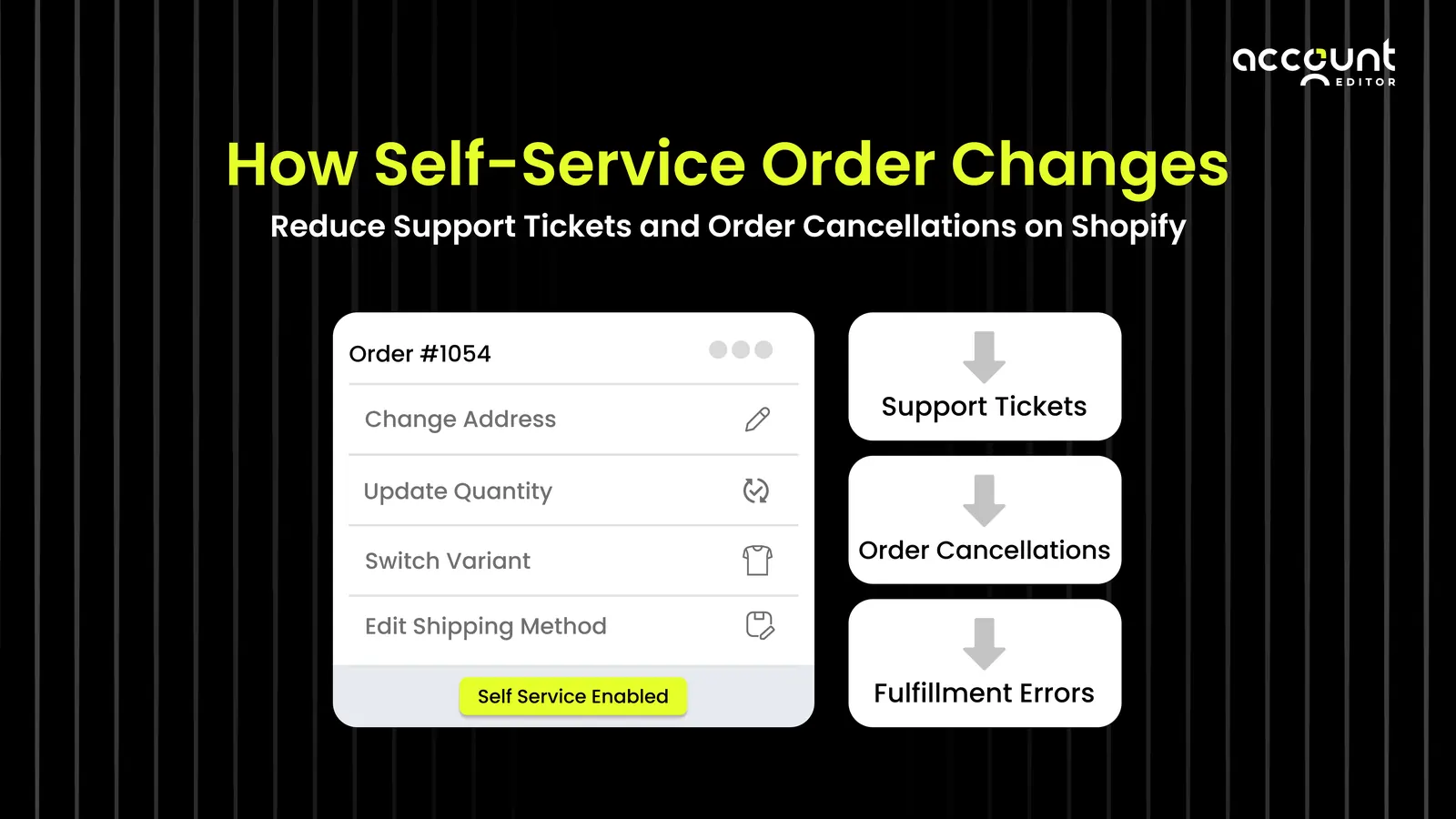
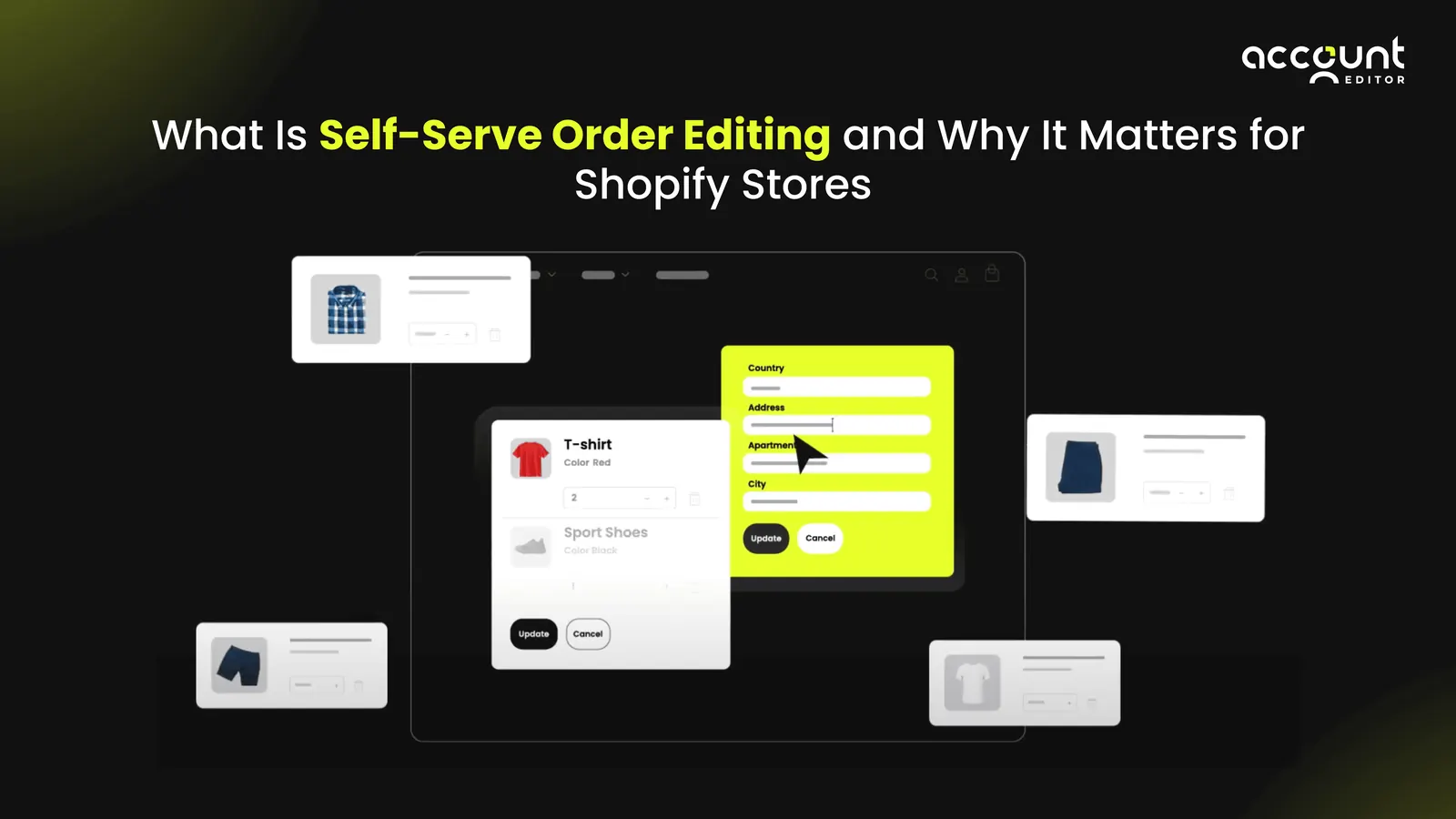
Shoppers today move fast, and they expect your store to keep up. One wrong click, a mistyped address, or a last-minute change shouldn’t require an email, a support ticket, or a full order cancellation. Customers want the power to fix small mistakes instantly. That’s exactly why self-serve order editing has become a game-changer for Shopify stores. Instead of relying on support to manually adjust orders, customers can update their own details, addresses, variants, quantity, and more, right after checkout. It’s simple, fast, and dramatically improves the post-purchase experience.
For merchants, this isn’t just a nice-to-have. Self-service order editing reduces support workload, prevents unnecessary cancellations, and keeps fulfillment running smoothly.
In this guide, you’ll learn what self-serve order editing is, why it matters, how it works, and how to implement it, plus real examples, best practices, and mistakes to avoid.
A Simple Explanation: What Self-Serve Order Editing Actually Means
Customers shop fast, and that speed leads to simple mistakes like wrong addresses, incorrect variants, or missing items. Instead of emailing support and waiting for help, self-service order editing lets customers fix these issues immediately after checkout. With a quick, customer-friendly interface, shoppers can correct their shipping details, update variants, adjust quantities, or make small order changes on their own. This reduces support tickets, prevents order cancellations, and creates a smoother post-purchase experience for everyone.
For merchants, this means fewer repetitive support tasks, more accurate fulfillment, and less operational stress. By letting customers handle simple order updates themselves, stores improve efficiency while delivering a more modern, flexible shopping experience.
Definition: Self-serve order editing is a post-purchase feature that allows customers to edit their own orders, such as fixing a wrong address, changing a variant, updating quantities, or adjusting item details immediately after checkout without needing help from customer support.
Why Order Editing Has Become a Must-Have for Modern Shopify Stores
Shoppers move fast, and that means mistakes happen fast, too: wrong addresses, incorrect sizes, missing items, or instant “checkout regret.” As the Account Editor often highlights, these small post-purchase errors create real customer anxiety. And when shoppers can’t fix the issue themselves, they often choose the quickest escape: cancelling the order. Self-service order editing solves this by letting customers update their order details right after checkout, fixing addresses, swapping variants, or adjusting items without waiting for support. This not only reduces frustration but also helps prevent the manual workflow slowdowns that Account Editor regularly sees in real merchant setups.
Why it matters:
Customers feel more in control.
Fulfillment teams get accurate orders.
Support teams avoid repetitive “please edit my order” tickets.
Stores reduce unnecessary cancellations and errors.
In today’s ecommerce landscape, self-service isn’t a bonus, it’s a core expectation for a smooth post-purchase experience.
What Customers Usually Need to Change After Checkout
Every Shopify merchant sees the same order mistakes repeat themselves day after day. These aren’t edge cases. They’re the everyday issues customers want to fix the moment they place an order. Here are the most common updates shoppers try to make:
1. Fixing a Wrong Shipping Address
Customers often rush through checkout, especially on mobile. A mistyped street name or an outdated saved address can easily lead to delivery issues. With self-service order editing, shoppers can correct the address immediately, before your fulfillment team even starts packing.
2. Updating the Size, Colour, or Variant
Variant mistakes are one of the most frequent post-purchase errors. Whether someone accidentally selected the wrong size or changed their mind about a colour, allowing quick variant updates helps prevent avoidable returns, exchanges, and customer frustration.
3. Adding or Removing Items
It’s common for customers to realize they forgot an item, added too many, or changed their mind seconds after checkout. Self-serve editing gives them the flexibility to adjust quantities or add a missing product without needing support or placing a second order.
4. Correcting Contact or Delivery Details
Missing digits in a phone number or a typo in an email address can interrupt shipping updates and delivery coordination. Self-service tools let customers correct these details instantly, no back-and-forth with support.
The Hidden Cost of Manual Order Editing for Shopify Merchants
Many merchants underestimate how costly manual order editing really is until they take a closer look at the impact on their support team, fulfillment workflow, and customer experience. These problems stack up quickly:
1. Slow Response Times
When customers email support to fix a small mistake, they often end up waiting in a queue. By the time the request is seen, the order may already be packed or shipped, creating preventable frustration for the customer and extra work for your team.
2. Heavy Support Workload
A large share of post-purchase inquiries come from customers who simply want to update their address, swap a variant, or adjust an item. These repetitive requests consume hours of support time that could be spent solving higher-value issues.
3. Preventable Fulfillment Errors
When order updates are handled manually, small details are easy to miss. A wrong size or wrong address often gets discovered only after fulfillment begins, leading to reships, returns, or customer dissatisfaction, mistakes that could have been avoided with self-service editing.
4. Higher Cancellation Rates
If customers can’t fix their mistake quickly, they often choose the fastest option available: cancel the order. These cancellations rarely reflect dissatisfaction with your product, they’re driven by the lack of a quick way to update the order.
5. More Work for Warehouse Teams
Every manual “change request” requires your fulfillment team to stop, locate the order, and make adjustments. This disrupts their workflow and slows down pick-and-pack operations across the board.
As Account Editor’s research shows, these tiny moments of friction, delayed edits, missed changes, and unnecessary cancellations have a direct impact on customer satisfaction and long-term retention.
How Self-Serve Order Editing Works (A Simple Walkthrough)
Here’s what the experience looks like from the customer’s point of view:
1. They place an order as usual
Checkout finishes, and the customer lands on the order confirmation page.
Example: Sarah orders a hoodie and immediately sees her order summary.
2. They’re shown an “Edit Order” option
Displayed on the confirmation page, order status page, inside their account, or in the confirmation email.
Example: A small “Edit Order” link catches Sarah’s eye right next to her shipping details.
3. They make the changes they need
Customers can fix a wrong address, swap a variant, adjust quantity, or update contact details, only safe edits are shown.
Example: Sarah realizes she used her old apartment address, taps “Edit,” and updates it in seconds.
4. The order updates automatically
All edits sync directly to Shopify without support involvement.
Example: Her corrected shipping address instantly replaces the incorrect one with no ticket or delay.
5. Your fulfillment team receives the corrected order
By the time the warehouse begins processing, the order already reflects the customer’s updates.
Example: When the picker grabs Sarah’s order, the correct address is already attached, preventing a mis-shipment.
It’s a simple flow, but incredibly powerful. What once required emails, delays, or cancellations now happens instantly, giving customers confidence and keeping your operations running smoothly.
The Business Impact: How Self-Service Editing
Self-serve order editing delivers clear, measurable improvements across the entire customer journey and fulfillment workflow. Here’s how it transforms day-to-day operations:
• Lower Support Ticket Volume
Customers no longer need to email support for simple fixes like address updates or variant changes, reducing repetitive “Can you edit my order?” requests.
• Fewer Cancellations
When shoppers can correct mistakes instantly, they’re far less likely to cancel out of frustration or uncertainty.
• Smoother Fulfillment
Accurate orders flow to the warehouse with fewer interruptions, reducing return risk and minimizing delays in pick-pack operations.
• Higher Customer Satisfaction
Customers feel more in control and less anxious after checkout, which strengthens trust and leads to more positive post-purchase experiences.
• Improved Post-Purchase Experience
A smoother post-purchase flow increases repeat purchase behaviour, strengthens retention, and contributes directly to long-term customer lifetime value.
This aligns closely with what Account Editor often highlights: optimized post-purchase operations play a major role in boosting customer LTV and reducing operational inefficiencies.
Real Examples of Self-Serve Editing Saving the Day
These aren’t edge cases. They’re everyday situations your customers experience. And each one shows how powerful self-serve order editing can be when it turns frustration into relief.
Example 1: Wrong Address Fixed Instantly
Emma checks out quickly and realizes she used her old apartment address. Instead of emailing support, she clicks “Edit Address” and corrects it in seconds, avoiding a failed delivery.
Example 2: Quick Size Swap Before Fulfillment
Jason accidentally chooses the wrong T-shirt size at checkout. He opens “Edit Order,” switches Medium to Large, and the right item is sent without needing a return.
Example 3: Adding a Missed Item Easily
Priya remembers an item she forgot to add. Instead of placing a second order, she simply taps “Add Item” and updates her order instantly.
Example 4: Preventing an Unnecessary Cancellation
Ben panics after selecting the wrong product and is about to cancel the order. Self-serve editing lets him fix the mistake on the spot, turning a lost sale into a saved one.
Why These Moments Matter
These might look like small moments, but they add up in a big way:
fewer support tickets,
fewer fulfillment errors,
fewer cancellations,
and more revenue kept in the store.
They’re the quiet wins that compound month after month, which is exactly why self-serve editing is becoming a standard expectation in modern Shopify experiences.
Tools That Make Self-Serve Order Editing Possible on Shopify
Because Shopify doesn’t offer self-serve order editing natively, merchants often rely on third-party tools to fill the gap. Depending on your needs, these solutions often include:
Order editing apps: Ideal for address fixes, variant swaps, and quantity changes.
Customer account portals: Give shoppers a central place to update orders, track deliveries, and manage post-purchase activity.
Post-purchase automation tools: Allow you to set edit windows, trigger rules, and send automated update notifications.
Advanced Shopify Plus workflows: Use Flow or custom logic to support more complex operational needs.
Each option varies in features and complexity. Some tools handle basic address edits, while full-featured systems support variant changes, item additions, and complete post-purchase flexibility. Understanding what your customers request most, address changes, variant swaps, or quantity updates, helps you choose the right solution.
Want the simplest way to give customers self-serve order editing?
Try Account Editor: the fastest way to reduce support tickets and fix post-purchase friction.
How to Set Up Self-Serve Order Editing for Your Store
Implementing self-serve order editing is straightforward, but the right setup ensures a smooth, reliable post-purchase experience. Follow these steps to get it right from day one:
1. Decide What Customers Can Safely Change
Start by identifying which edits won’t disrupt fulfillment. Most merchants allow updates to:
Shipping address
Product variants
Item quantities
Set clear rules so customers only see safe, operationally sound options.
2. Choose a Tool That Fits Your Workflow
Pick a solution that matches your store’s fulfillment timing, order volume, and support capacity. Some tools handle basic address edits, while others enable full variant swaps, item additions, and automated rules. Choose the one that aligns with how your team works.
3. Add the Right “Edit Order” Entry Points
Make the edit option easy to find; the more visible it is, the fewer support tickets you’ll receive. High-converting entry points include:
Order confirmation page
Order status page
Post-purchase emails
SMS notifications (if you use SMS)
4. Set a Safe Editing Window
Most Shopify merchants offer an editing window of 15–60 minutes, giving customers time to catch mistakes without slowing down fulfillment. Choose a window that aligns with your packing and processing speeds.
5. Test Everything Before Launch
Before going live, run test scenarios to ensure all workflows behave as expected. Confirm that:
Address changes sync correctly
Inventory rules are respected
Variant changes update properly
Email/SMS notifications trigger as intended
A quick test run ensures a seamless experience for both customers and your fulfillment team.
Final thoughts:
Self-serve order editing isn’t just a convenient add-on for Shopify stores anymore; it’s becoming a core part of a modern, customer-first post-purchase experience. When shoppers can fix mistakes instantly, they feel more confident, more in control, and far more likely to complete (and keep) their orders.
For merchants, the benefits compound quickly: fewer cancellations, fewer support tickets, smoother fulfillment, and a more trustworthy brand experience. As Account Editor’s insights consistently show, reducing post-purchase friction is one of the most reliable ways to improve retention and lifetime value.
If you’re ready to give your customers a smoother, more flexible post-checkout experience and take pressure off your support team, self-serve order editing is the upgrade that pays for itself. If you want a deeper look at why self-serve order editing is becoming essential read our related blog.