Running a Shopify store means celebrating every new order notification, but that’s only half the story. Not every order goes as planned. Customers often notice small mistakes after checkout, such as the wrong size, shipping address, or a missed item, and end up canceling their order. By then, you’ve already spent money to acquire that customer, processed the order, and maybe even started fulfillment. The result? Lost revenue, wasted effort, and a weakened customer relationship.
Order cancellations are more common than you might expect. Across e-commerce, cancellation rates are commonly reported between 10–20%, with merchants in fashion and consumer electronics seeing the highest numbers. Each cancellation not only erodes revenue but also piles on customer support tickets, operational inefficiencies, and lost growth opportunities.
Instead of forcing customers to cancel, merchants can now enable Shopify order management self-serve tools that let shoppers fix mistakes themselves. By introducing self-serve order editing (also called self-service order editing) to your customers, you can reduce Shopify order cancellations, minimize support load, and even turn post-purchase interactions into revenue opportunities.
Why Customers Cancel Orders
Understanding “why” shoppers cancel orders is the first step toward preventing them. Let’s break down the most common reasons:
To see how these post-checkout mistakes unfold operationally inside Shopify stores, we've broken down the full lifecycle in this related guide.
1. Wrong Shipping Address
Customers often make simple mistakes like mistyping a zip code, forgetting an apartment number, or entering an outdated address. Since Shopify’s default checkout doesn’t make it easy for them to fix these errors after purchase, many shoppers choose to cancel the order altogether, which leads to unnecessary revenue loss and additional support work.
2. Incorrect Size, Color, or Variant
In apparel and footwear, size and fit issues are consistently among the most common reasons customers request changes after checkout. Many shoppers only notice sizing concerns once they review their order confirmation, which often triggers a swap or cancellation request. Customers often notice the mistake immediately after placing the order, but without an option to swap or edit the item, they end up canceling instead.
3. Shipping Cost or Delivery Time
High shipping costs or slow delivery times can create friction even after the order is placed. A customer who reconsiders their purchase because of fees or timing might be willing to upgrade to express shipping, but if that option isn’t available post-purchase, cancellation feels like their only choice.
4. Product Uncertainty or Buyer’s Remorse
Sometimes customers second-guess their purchase or feel hesitant about product details. Instead of having the flexibility to edit their order, for example, by choosing an alternative product or adjusting quantities, they cancel completely.
5. Need for Faster or Additional Item
Many cancellations happen not because customers don’t want the product, but because they realize they want to adjust it. Whether it’s adding another item to the cart or changing to faster shipping, the lack of self-service order editing can push them toward canceling the order and starting over.
Want to understand why customers cancel orders after checkout? Read our detailed guide on the most common reasons Shopify customers cancel orders and how merchants can prevent them.
The Real Cost of Shopify Order Cancellations
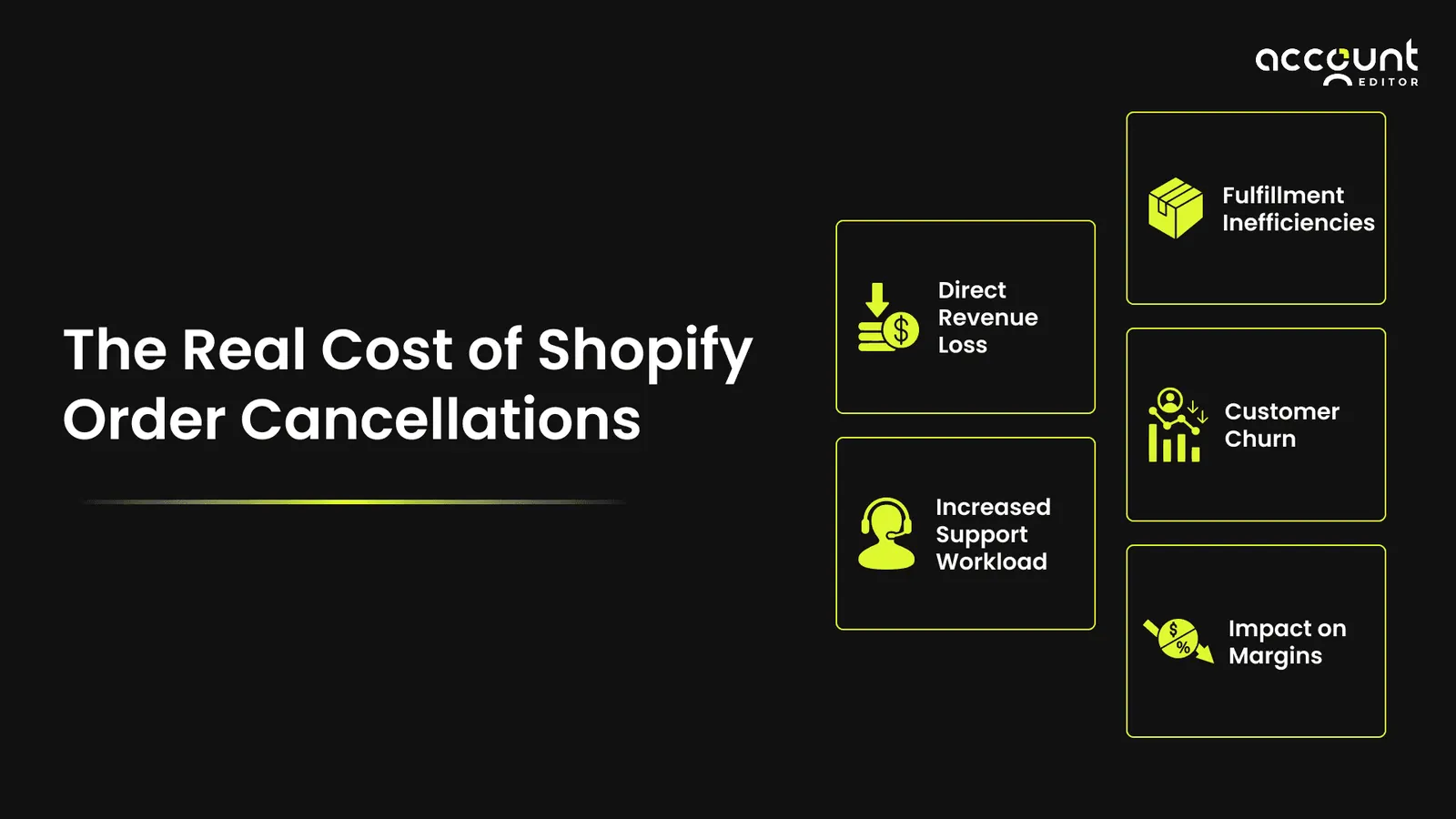
Cancellations don't just hurt revenue; they also create a ripple effect across operations:
1. Direct Revenue Loss
Every cancellation translates into immediate revenue leakage. For example, a Shopify store generating $100,000 in monthly sales with just a 5% cancellation rate loses $5,000 each month, or $60,000 annually. This makes it clear why merchants are actively looking for Shopify order cancellation reduction strategies to safeguard their bottom line.
2. Increased Support Workload
Without a way to enable customer order edits in Shopify, stores face endless requests like “change my address” or “swap my size.” This clogs up support, raises costs, and slows response times.
If you're weighing manual admin edits against customer self-service workflows, this comparison guide outlines what works best for growing Shopify stores.
For a deeper look at the volume of tickets self-serve editing removes, see how.
3. Fulfillment Inefficiencies
When cancellations occur after picking and packing, merchants waste packaging materials, warehouse labor, and logistics resources. These inefficiencies cut into already tight margins. By contrast, giving customers self-serve order editing can prevent these last-minute cancellations and keep operations running smoothly.
4. Customer Churn
A poor post-purchase experience can damage trust. AResearch consistently shows that customers who can't resolve a post-purchase mistake quickly are likely to abandon the merchant entirely, not just the order. Without Shopify order management self-service, those customers often take their business to competitors, thus turning a single cancellation into long-term lost revenue.
5. Impact on Margins
Beyond lost sales, cancellations eat into profits through refund processing, wasted transaction fees, and unrecoverable shipping charges. Merchants who minimize Shopify cancellations with customer editing protect margins while improving satisfaction.
The Case for Self-Serve Order Editing
So, how do you prevent cancellations in a Shopify store? By empowering customers to fix mistakes themselves.
What Is Self-Serve Order Editing?
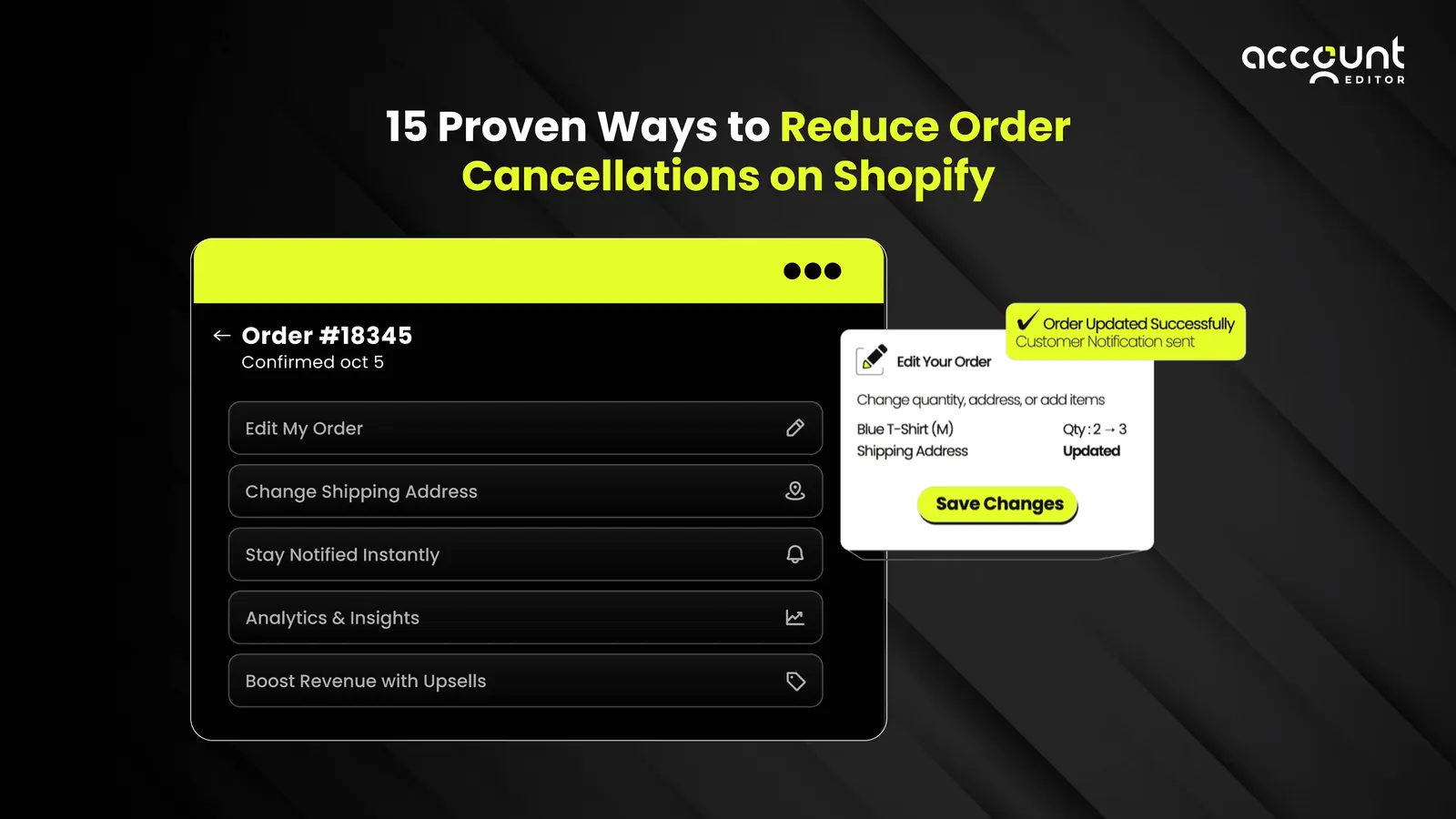
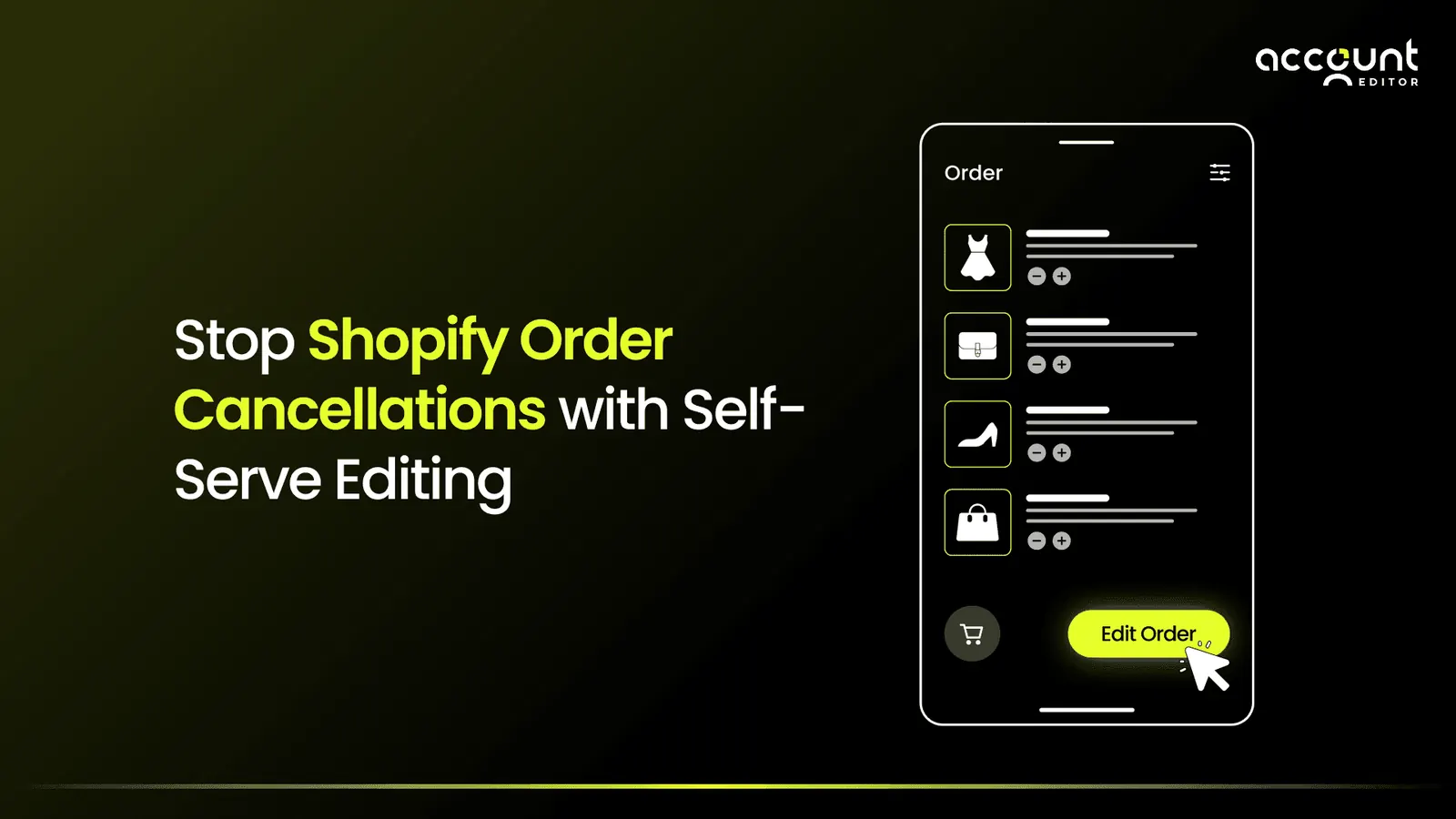
Definition: Self-serve order editing in Shopify allows customers to update their order, changing the shipping address, correcting product variants, adjusting quantities, or upgrading shipping, after checkout but before fulfillment, without contacting support or canceling.
Shopify Self-Serve Order Editing Benefits
Reduces cancellations by letting customers fix errors before shipping.
Minimizes support tickets, freeing staff for growth tasks.
Improves customer satisfaction by giving shoppers control.
Boosts retention and revenue through upsells and smooth experiences.
“Think of it as letting customers press ‘edit' instead of ‘cancel.”
Introducing Account Editor
Account Editor is designed to help merchants reduce Shopify order cancellations by giving customers the ability to edit their orders after checkout. Instead of canceling, shoppers can fix mistakes directly, thus saving sales, cutting support workload, and improving retention. At the same time, it also provides smart cancellation controls, ensuring that when a cancellation truly is necessary, it’s handled fairly and efficiently.
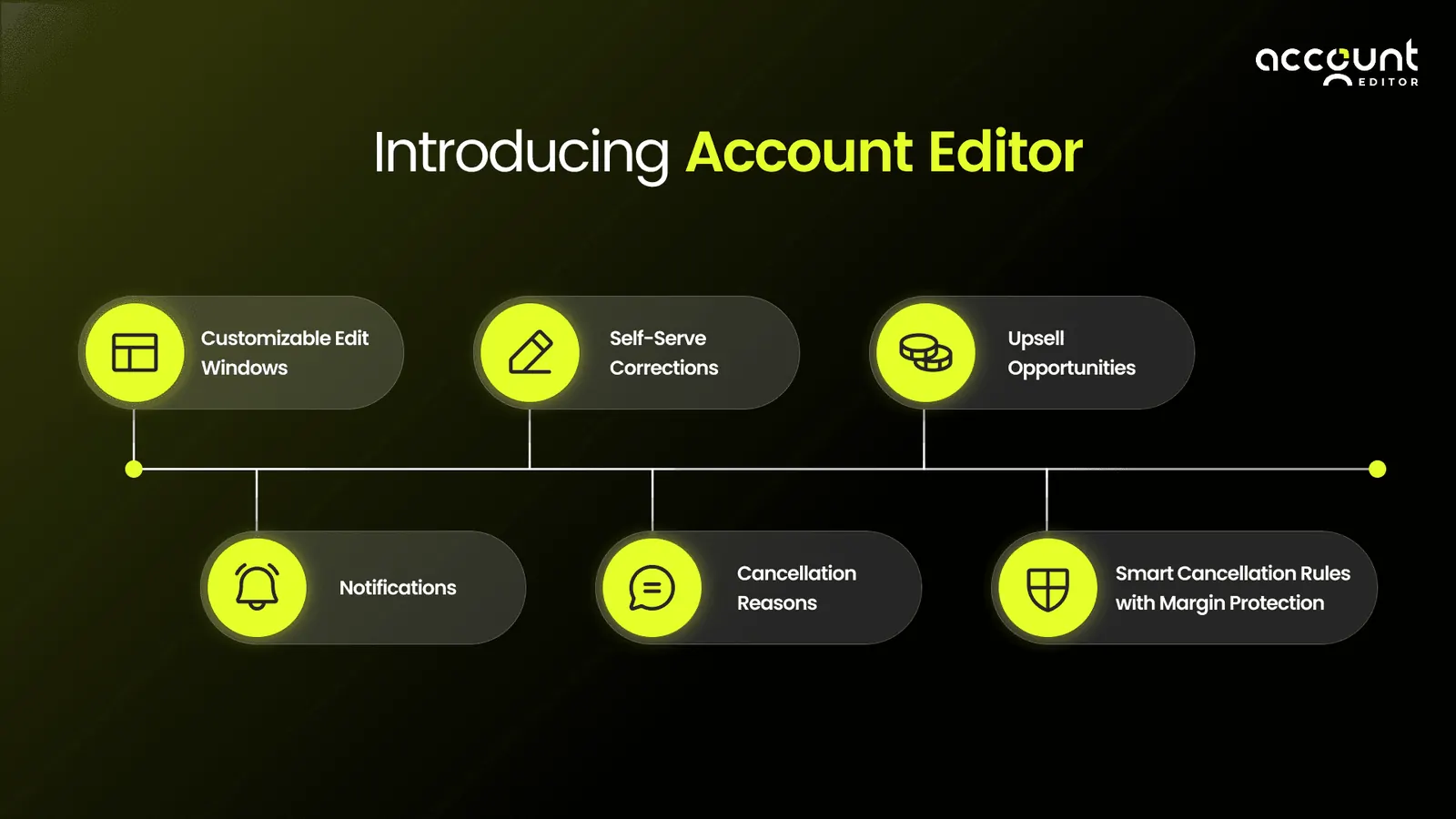
Here’s how it works:
1. Customizable Edit Windows
Merchants can set flexible timeframes that determine how long customers can make changes after checkout. Options range from 15 minutes to 24 hours, or even “until fulfillment begins.” This allows you to enable customer order edits in Shopify in a way that matches your fulfillment speed and business model, whether you ship same-day or manage pre-orders.
2. Self-Serve Corrections
Customers can fix typos, swap product sizes, update quantities, or upgrade to faster shipping. Every change recalculates totals, taxes, and shipping rates automatically. This core feature helps prevent cancellations in your Shopify store before they happen.
3. Upsell Opportunities
Beyond saving orders, Account Editor can turn edits into additional revenue. Merchants can display targeted upsells on the Thank-You or Order-Status page, converting routine post-purchase interactions into new sales. Some stores have generated over $101,297.49 in added revenue within a single month, proving the real self-service order editing benefits go beyond just reducing churn.
4. Notifications
Every change is confirmed instantly. Customers receive email confirmations for edits or cancellations, while staff are alerted to important updates. This transparency reduces “Where’s my order?” tickets and keeps fulfillment on track.
5. Cancellation Reasons
Customers selecting “Cancel” are prompted to choose a reason, such as “shipping cost too high” or “changed my mind.” These structured insights let merchants track patterns, optimize pricing and logistics, and improve long-term retention.
6. Smart Cancellation Rules with Margin Protection
Some cancellations can’t be avoided, and that’s where Shopify order management self-service comes in. With Smart Cancellation, customers can only cancel pending orders once fulfillment starts; the option disappears. Merchants can also add restocking fees (fixed, percentage, or shipping/tax) to protect margins, keeping the balance between customer flexibility and business profitability.
How Self-Service Editing Reduces Shopify Cancellations
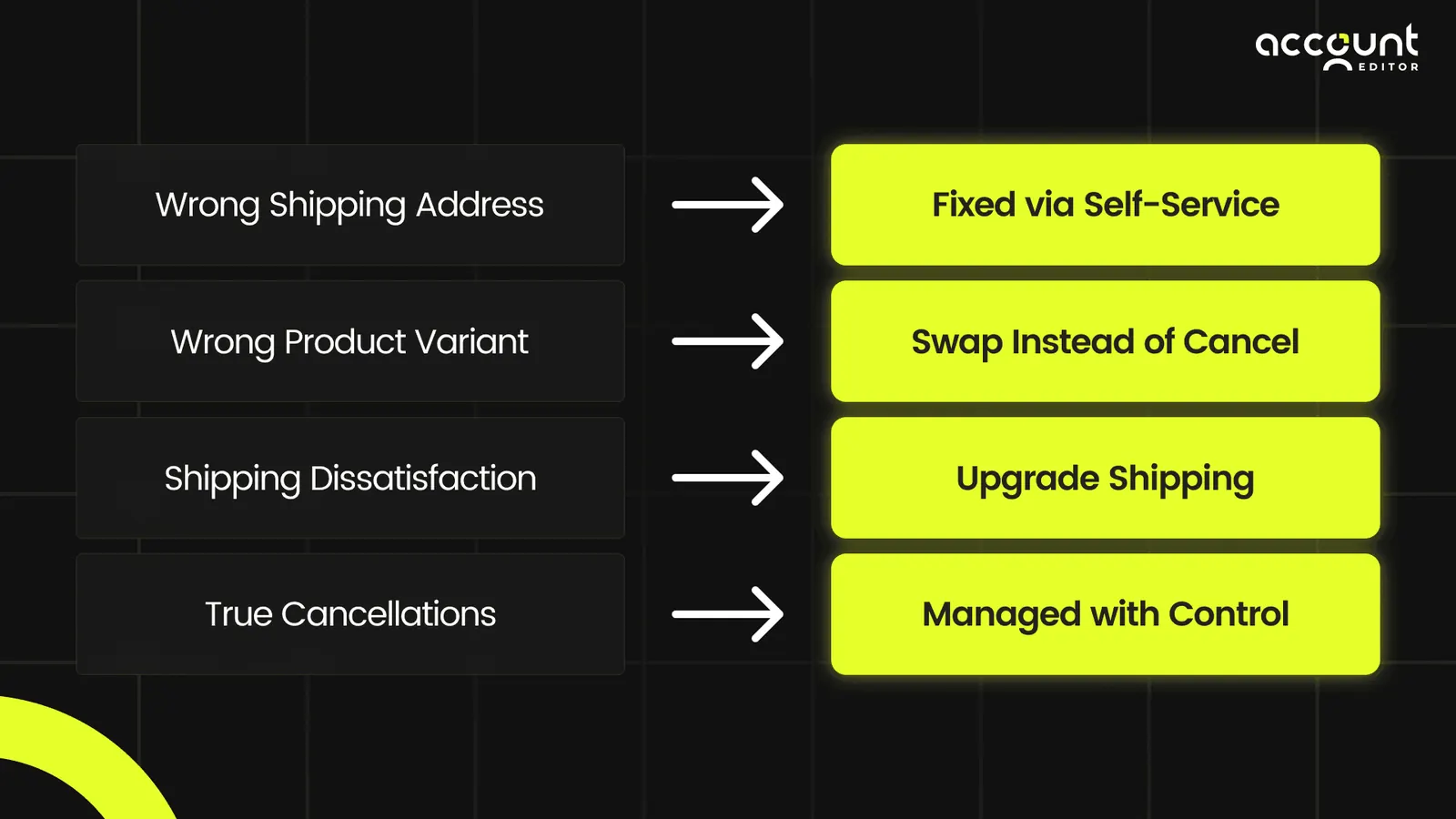
This approach doesn’t just reduce Shopify order cancellations; instead, it transforms cancellations into customer loyalty opportunities.
Best Practices for Using Self-Service Order Editing on Shopify
Enabling self-serve editing is only half the job. How you configure it determines how much revenue you protect. Here are the practices that deliver the best results:
1. Set your edit window to match your fulfillment speed. If you ship within 2 hours, a 90-minute edit window is practical. If you process orders overnight, a 12–24 hour window gives customers a comfortable margin to catch mistakes without disrupting operations.
2. Restrict edits on high-risk or final-sale orders. Use tag-based rules to block editing on orders flagged as high-risk, orders with custom items, or orders already in fulfillment. This protects you without removing the benefit for standard orders.
3. Communicate the edit window to customers. Add a note to your order confirmation email: “You have 2 hours to edit your order. Click here to make changes.” Customers who know they can edit are less likely to panic-cancel.
4. Use cancellation reasons as feedback data. If customers are consistently canceling due to shipping costs, that's a pricing signal. Account Editor's cancellation reason capture turns churn data into actionable merchant intelligence.
5. Pair editing with post-purchase upsells. The moment a customer opens their order to make an edit is a high-intent moment. Use that screen to offer a complementary product or a shipping upgrade, it converts at a higher rate than standard pop-ups
To understand how Shopify order cancellations can be reduced, read our guide.
Conclusion
Shopify order cancellations may feel like an unavoidable part of e-commerce, but in reality, most can be prevented when customers have the tools to fix small mistakes after checkout.
By enabling self-service order editing, you can turn potential cancellations into saved sales, happier customers, and even new revenue opportunities through upsells.
With its flexible edit windows, smart cancellation rules, margin protection, and proactive notifications, Account Editor gives Shopify merchants everything they need to reduce cancellations, protect profits, and strengthen customer relationships.
Don’t let preventable cancellations drain your growth.
“With self-serve editing, Shopify merchants can cut cancellations, lower support costs, and boost upsell revenue, all at once.”