Why Disabling Order Changes Increases Refunds in Shopify
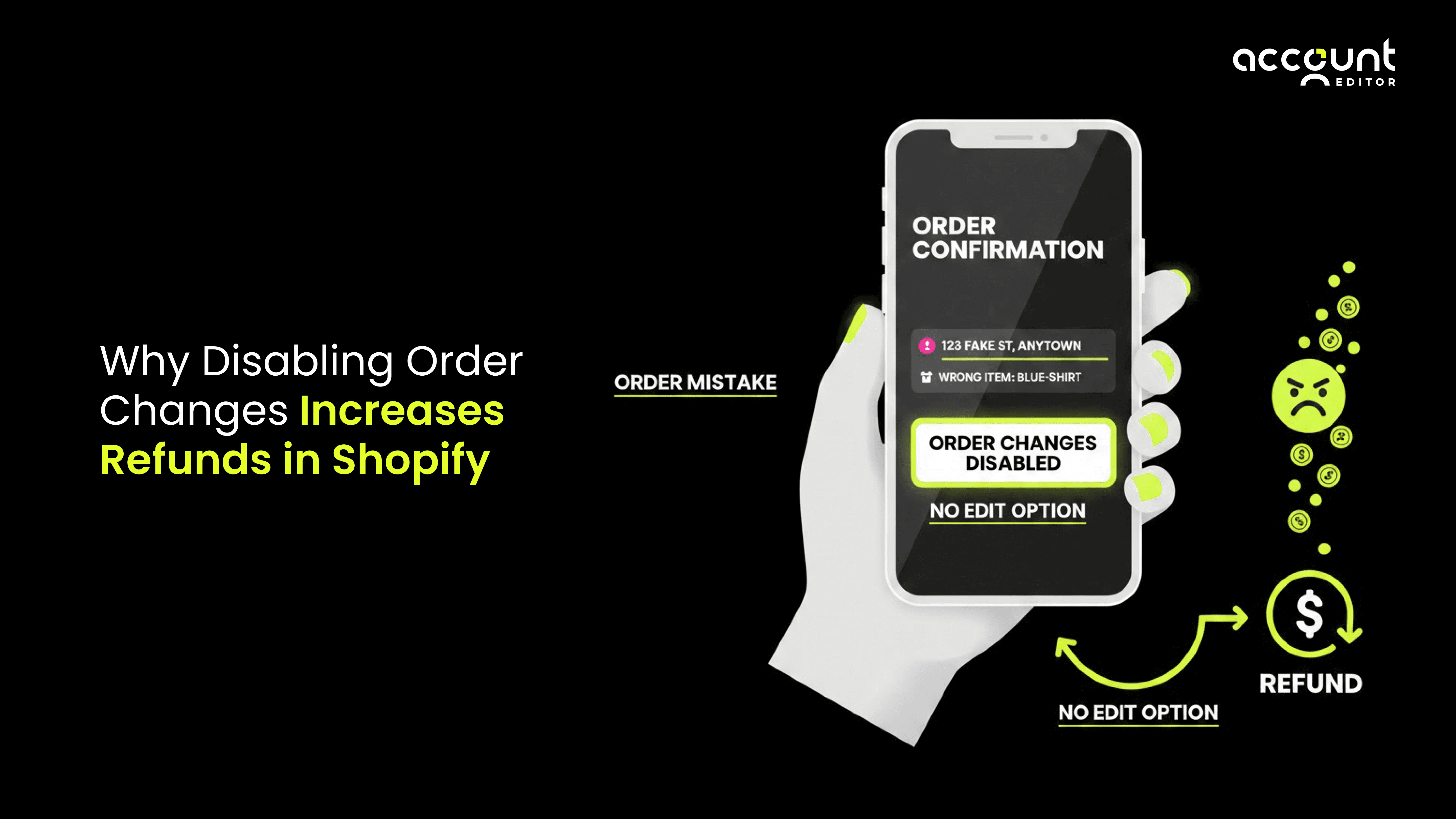
Most refunds on Shopify do not happen because customers change their minds.
They happen because customers cannot fix small mistakes after checkout.
A customer places an order and notices an issue minutes later. The address is wrong. The size is incorrect. An item is missing. These are simple problems.
But once the checkout is complete, the order cannot be edited.
Now the customer feels uncertain. The order may ship at any time. Waiting for support feels risky. To avoid a bigger problem, the customer cancels the order and asks for a refund.
This is why disabling order changes often increases refunds and cancellations on Shopify. The issue is not customer dissatisfaction. It is the lack of a quick and safe way to correct mistakes after checkout.
Does Disabling Order Changes Increase Refunds on Shopify
Yes, disabling order changes can lead to higher refunds on Shopify, especially when customers notice small issues shortly after checkout.
When customers are unable to correct simple mistakes, such as updating a shipping address or changing a variant, they may choose to cancel the order to avoid the risk of it being fulfilled incorrectly. This decision is usually driven by timing and uncertainty, not dissatisfaction with the product.
Shopify is designed to prioritize secure payment processing and fast fulfillment after checkout. Because post-checkout changes are limited by design, refunds often become the most reliable way to resolve issues when order editing is not available.
This behavior is widely discussed by Shopify merchants and is directly related to how Shopify processes orders after payment.
How Shopify Handles Orders After Checkout
According to the Shopify Help Center, once an order is placed, Shopify starts processing it immediately. Payment is captured or authorized, inventory is reserved, and fulfillment workflows may begin automatically.
By default, customers cannot edit their orders after checkout. Shopify allows merchants to make limited edits from the admin before fulfillment, but customers do not get self-service editing options unless a merchant enables them using a supported solution.
Shopify also explains that once fulfillment starts, many order changes are no longer possible. In such cases, canceling and refunding the order may be the only safe option.
Why Customers Make Mistakes After Checkout
Making mistakes after checkout is normal in e-commerce, especially when customers are moving quickly or shopping on mobile devices.
Customers often realize after payment that they entered the wrong shipping address, chose the wrong variant, forgot to add an item, or accidentally placed the same order twice. These are small and common errors, not signs of confusion or dissatisfaction.
The problem starts when customers do not see a clear way to fix those mistakes. After checkout, the order may move toward fulfillment quickly. Customers are unsure how long support will take to respond or whether the change can be made in time.
That uncertainty creates risk. To avoid receiving the wrong order, customers often choose the safest option available to them. They cancel the order and request a refund, even though they would prefer a quick and simple correction.
Want to learn what happens when customers make mistakes after checkout? Read our full guide
Common Order Issues That Turn Into Refunds
Most refunds caused by disabled order changes start with simple issues.
A customer may notice a wrong address right after checkout. Another customer may realize they selected the wrong size or color. Some customers forget to add an item and want to update the order instead of placing a new one.
None of these issues require a refund by nature. They only turn into refunds when customers cannot edit their orders and feel pressure from fast fulfillment timelines.
What Happens When Order Changes Are Disabled
When order changes are disabled, customers have very limited options. They can contact support, cancel the order, or request a refund.
On the Shopify Community forums, merchants often share that customers cancel orders simply because they cannot make small changes in time.Support replies are not always instant. If customers think the order might ship before their issue is resolved, they cancel the order to protect themselves. This is how a small issue turns into a full refund.
Why Fast Fulfillment Can Increase Refunds
Fast fulfillment is usually a good thing. But without an edit window, it can increase refunds.
Shopify’s fulfillment documentation explains that once an order moves into fulfillment, changes become more restricted.
If a customer notices a mistake after checkout and the order quickly moves into fulfillment, the merchant may need to issue a refund, process a return, or reship the order. These options cost more than fixing the issue early.
How Self-Serve Order Editing Helps Reduce Refunds
Allowing customers to edit their orders within clear limits helps resolve issues early and reduces the need for refunds.
1. Customers Can Fix Simple Mistakes Themselves
Self-serve order editing allows customers to fix simple mistakes on their own within rules set by the merchant.
This is where many merchants turn to solutions like Account Editor. Instead of blocking changes completely, merchants allow customers to update orders within a short and controlled time window.
Merchants stay in control by deciding how long editing is allowed, what customers can change, and when editing closes automatically once fulfillment begins.
2. Address Changes and Smart Address Validation Reduce Refunds
Shipping address issues are one of the most common reasons for refunds, failed deliveries, and returns.
Allowing customers to edit their address before fulfillment helps, but it works even better when combined with smart address validation. With address validation enabled, incorrect or incomplete addresses are flagged immediately when a customer tries to update them.
Account Editor includes smart address validation that checks addresses in real time before saving the change. This helps prevent:
Invalid or incomplete addresses
Carrier delivery failures
Refunds caused by undeliverable shipments
By validating addresses before fulfillment, merchants reduce both refunds and operational issues.
3. Reducing Cancellations Without Blocking Customers
Account Editor focuses on giving customers options instead of blocking them completely.
When customers can fix mistakes and see that their address or order details are valid, they feel more confident and are less likely to cancel. Shopify Community discussions show that customers cancel fewer orders when they feel in control.If you want to explore this issue in more detail, read our guide on reducing Shopify order cancellations through self-service order editing.
Order Editing Can Also Increase Revenue
Order editing is not only about fixing mistakes.
When customers revisit the order status page to make changes, it creates a natural opportunity to show relevant add-ons. This works well with a post-purchase upsell.
Our app supports post-purchase upsells that appear after checkout, so checkout conversion is not affected. Shopify allows post-purchase experiences as long as they do not interfere with checkout or fulfillment accuracy.
Conclusion
Refunds on Shopify are often the result of small, correctable mistakes made after checkout, not customer dissatisfaction. Because Shopify prioritizes secure payments and fast fulfillment, post-checkout changes are limited by design. When customers cannot fix issues quickly, they may cancel orders to avoid risk.
Disabling order changes removes an important way to resolve these minor issues early. This can lead to more refunds, added operational work, and unnecessary cancellations. Allowing controlled, time-bound self-serve order editing before fulfillment helps address problems sooner, reduces refunds, and creates a smoother post-checkout experience for both customers and merchants.