Why Customers Trust Brands That Let Them Fix Mistakes Post-Checkout

A customer places an order and then notices a small mistake.
The address is wrong. The size isn’t right. One item is missing.
This happens more often than we think.
In that moment, customers don’t want to email support or wait for a reply. They just want a quick way to fix the problem themselves.
That’s why growing Shopify brands now use a post-purchase order editing solution that lets customers make small changes after checkout without involving support or risking fulfillment issues.
When customers know they can fix mistakes on their own, they feel calmer, more confident, and more trusting of the brand. And when brands offer that flexibility, they reduce cancellations and avoid unnecessary support work at the same time.
We’ll explore why this simple capability has become a trust-builder for modern eCommerce brands and what it means for Shopify merchants.
Customers Make Checkout Mistakes, and Most Brands Don’t Let Them Fix Them
Checkout mistakes are a normal part of online shopping. Customers move fast, especially on mobile, and small details are easy to miss.
These mistakes usually show up right after the order is placed, when customers review their confirmation details and realize something is wrong.
Some of the most common checkout mistakes include:
Selecting an old or incomplete shipping address
Choosing the wrong size, colour, or variant
Adding the wrong quantity by mistake
Forgetting to add an item before paying
These are not serious problems. They are small and fixable.
The real issue starts after checkout.
In most stores, once payment is complete, customers cannot fix these mistakes on their own. There is no clear self-serve option to update the order. Customers are forced to contact support and wait, even when the change is simple.
This is why many Shopify brands now rely on a self-serve order-editing solutionthat allows customers to make small changes after checkout within a controlled time window. It gives customers a way to fix mistakes themselves, without adding pressure on support teams or disrupting fulfillment.
The Most Common Mistakes Customers Realize After Checkout
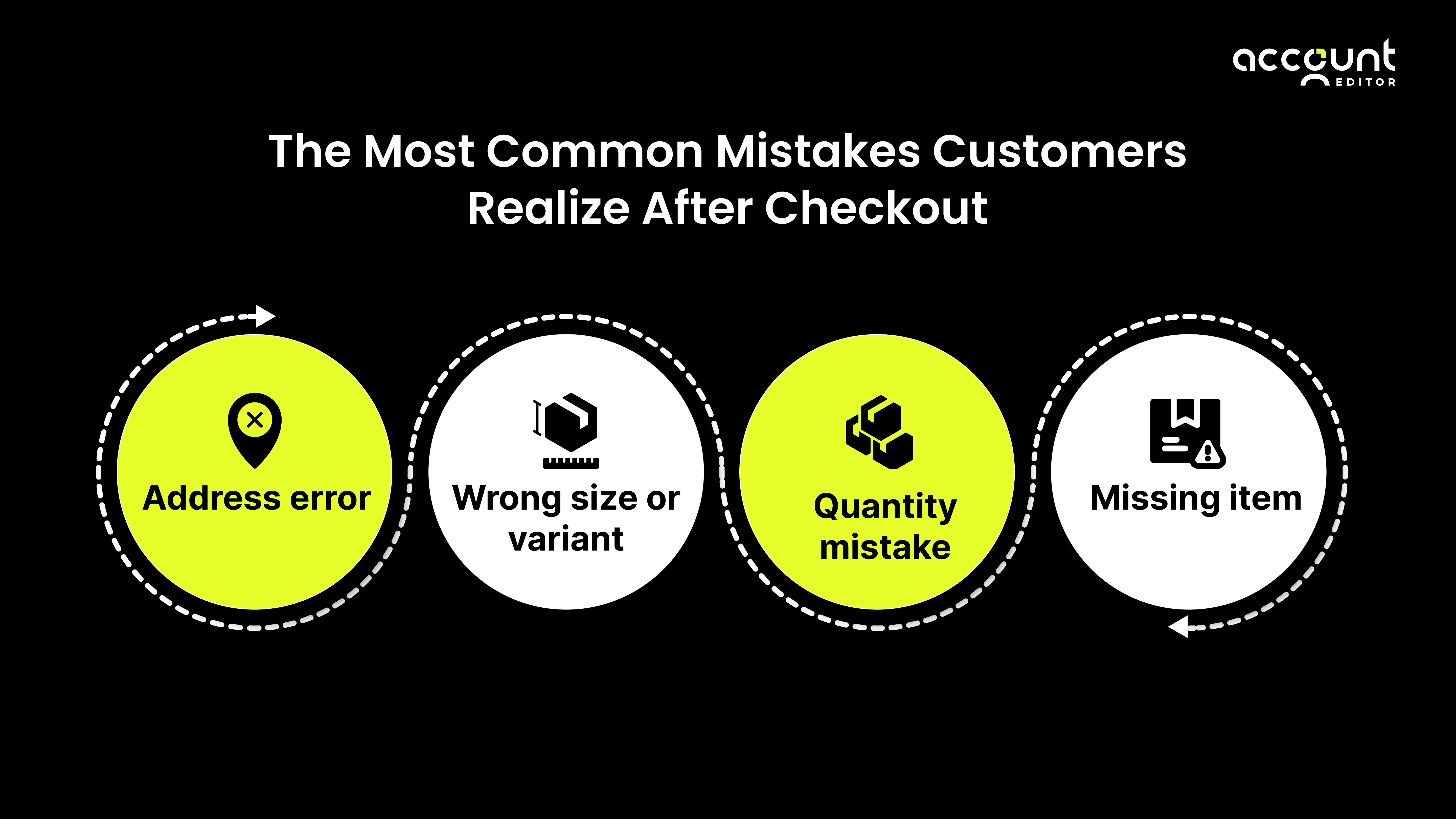
Most customers complete checkout quickly. After payment, they pause and review their order details more carefully. This is often when they notice small mistakes that were easy to miss during checkout.
These mistakes are rarely intentional. They happen because online shopping is fast, mobile-driven, and often relies on saved information. In most cases, the issues fall into two main areas.
We also break down typical post-checkout mistakes and their real operational consequences in this related guide.
1. Address and Delivery Errors
Address and delivery mistakes are among the most time-sensitive issues customers face after checkout.
Many shoppers have multiple saved addresses or rely on autofill. With a single click, the wrong address can be selected without the customer noticing.
Common address and delivery mistakes include:
An old home or office address is being selected
Missing apartment, unit, or building numbers
Incorrect postal or ZIP codes
Choosing the wrong delivery address for a gift or urgent order
Customers often realize these errors within minutes of placing the order. At that point, they want one simple thing: a quick way to fix the address before the order moves forward.
This is where tools like Account Editor come in. By allowing customers to update their shipping address after checkout, before fulfillment or shipping label creation begins, Account Editor removes the need to contact support for a simple fix. Customers can correct delivery details themselves within a controlled time window, before fulfillment begins.
When customers know they can fix an address mistake on their own, they feel more confident about the order and more trusting of the brand.
2. Product and Quantity Errors
Product and quantity mistakes are common, especially in categories like apparel, accessories, and multi-variant products. Customers move quickly through product pages, switch between options, or add items in a rush. As a result, small selection errors often go unnoticed until after checkout.
Common product and quantity mistakes include:
Choosing the wrong size, colour, or variant
Ordering more items than intended
Selecting the wrong product from a similar-looking collection
Forgetting to add an item before completing checkout
In most cases, customers are not trying to cancel their order. They simply want to make a small adjustment.
With Account Editor, brands can allow customers to swap products, change variants, or update quantities after checkout, without manual intervention from support teams. This keeps the original order intact from the customer’s perspective while giving the flexibility they expect.
Without this option, a small product mistake often turns into a support ticket or an order cancellation, even though it could have been resolved quickly through a simple post-checkout edit.
What Happens When Customers Can’t Fix These Mistakes
When customers notice a mistake after checkout, their first reaction is simple.
They want to fix it quickly and move on.
If they cannot find an easy way to do that, they start to feel unsure.
At this point, the problem is not the mistake anymore.
The problem is confusion.
Customers begin to wonder:
Will my order ship with the wrong details?
Will support respond in time?
Should I cancel and reorder to be safe?
This feeling of uncertainty affects trust.
Research supports this behavior. Studies from Baymard Institute show that nearly 70.22% of online shopping carts are abandoned, largely because customers feel unsure or uncomfortable during the buying process. While this data focuses on checkout, the same behavior continues after checkout. When customers feel a lack of control, they look for the safest exit.
After payment, that feeling becomes stronger. Customers have already paid, so any uncertainty feels risky. If they cannot fix a simple mistake themselves, stress replaces confidence.
From the merchant side, this situation creates pressure. Small issues that customers could have fixed on their own turn into support conversations. Support teams must respond quickly, check order status, and make manual updates, all while fulfillment timelines are moving.
For a direct comparison of Manual vs Self-Serve Order Editing, see our guide on what works best for Shopify stores.
Customer expectations also play a role here. According to Zendesk, over 60% of customers expect quick responses when they face an issue. When post-checkout fixes take too long, frustration grows.
Over time, this leads to:
More support requests for simple problems
Slower response times
Customers are cancelling orders to avoid risk
1. Increased Support Requests and Delays
When customers cannot fix mistakes themselves, support becomes the default solution.
Customers immediately reach out with requests like:
Please update my shipping address
I ordered the wrong size
Can you change the quantity or item
Each request may seem small, but together they create delays.
Support teams must:
Read and understand the request
Manually update the order in Shopify
Check whether the order has already moved to fulfillment
This back-and-forth slows down response times and adds pressure on support teams, especially during high-order periods.
This is why many Shopify merchants use Account Editor to reduce this load. By allowing customers to make approved changes on their own after checkout, Account Editor removes the need for support to handle simple fixes, while keeping edits within safe limits.
2. Frustration That Often Leads to Order Cancellations
When customers do not receive quick confirmation that their mistake can be fixed, frustration builds.
From the customer’s point of view:
They know the issue is small
They do not know if the brand will respond in time
They worry the order will ship incorrectly
In many cases, customers cancel the order to avoid risk, even if they still want the product. This is where preventable cancellations happen.
Instead of losing the sale, brands preserve the relationship and deliver a smoother post-checkout experience.
Why This Experience Directly Affects Customer Trust
Customer trust is not built only at checkout. It continues after payment, when customers wait for their order to be processed and delivered.
When customers realize a mistake and cannot fix it, they start to question whether the brand will handle their order with care. Even if the product is good, the experience around the order begins to feel uncertain.
Trust is closely tied to how supported customers feel when something goes wrong. Small moments after checkout often leave a stronger impression than the checkout itself.
1. Trust Is Shaped After Payment, Not Before
Before checkout, customers focus on price, product details, and reviews. After payment, their focus shifts to reassurance.
At this stage, customers want to feel confident that:
Their order details are correct
The brand is paying attention
Mistakes can be handled without stress
If customers feel stuck after checkout, trust weakens quickly. They may start to worry about delivery issues, delays, or having to deal with returns later.
This is why post-checkout experience plays such an important role in shaping how customers remember a brand. A smooth experience after payment builds confidence. A rigid or unclear experience creates doubt.
2. Brands That Feel Flexible Feel More Trustworthy
Flexibility sends a strong message to customers.
When a brand allows customers to fix small mistakes, it shows that the brand understands real-world shopping behavior. Customers do not expect perfection. They expect understanding.
Brands that feel flexible are often seen as:
More customer-focused
Easier to work with
More reliable in handling issues
On the other hand, brands that feel strict or unresponsive after checkout can appear difficult, even if the policy is reasonable. Customers tend to trust brands that give them options and clarity, especially when something does not go as planned.
This sense of flexibility helps customers feel supported rather than trapped, which strengthens trust and encourages them to return in the future.
Why Shopify’s Default Post-Checkout Flow Creates This Problem
Shopify is designed to make checkout fast and secure. Once a customer completes payment, the order is created immediately, and the checkout flow ends.
After checkout, customers are taken to the Thank You page and the Order Status page. These pages are mainly meant for confirmation and tracking. They are not designed for making changes.
By default, Shopify does not allow customers to:
Edit their shipping address
Change products or variants
Update quantities
Add items to an existing order
Any change after checkout has to be handled manually by the merchant or support team inside the Shopify admin.
This is where the problem starts.
Customers often assume they can fix small mistakes right after checkout, especially if the order has not been shipped yet. Shopify, however, treats the order as final unless the merchant steps in to make changes. Timing makes this more complicated. Many Shopify stores send orders to fulfillment quickly, sometimes automatically. Customers have no visibility into when fulfillment starts, which increases uncertainty when a mistake is discovered.
This gap between customer expectations and Shopify’s default flow is why many merchants use a tool like Account Editor. It adds a controlled way for customers to make approved changes after checkout, without changing how Shopify handles payments or fulfillment.
Without this layer, even small mistakes turn into support requests, delays, and frustration. With it, customers get clarity and control during a critical post-checkout moment.
How Modern Shopify Brands Solve This Without Increasing Support Load
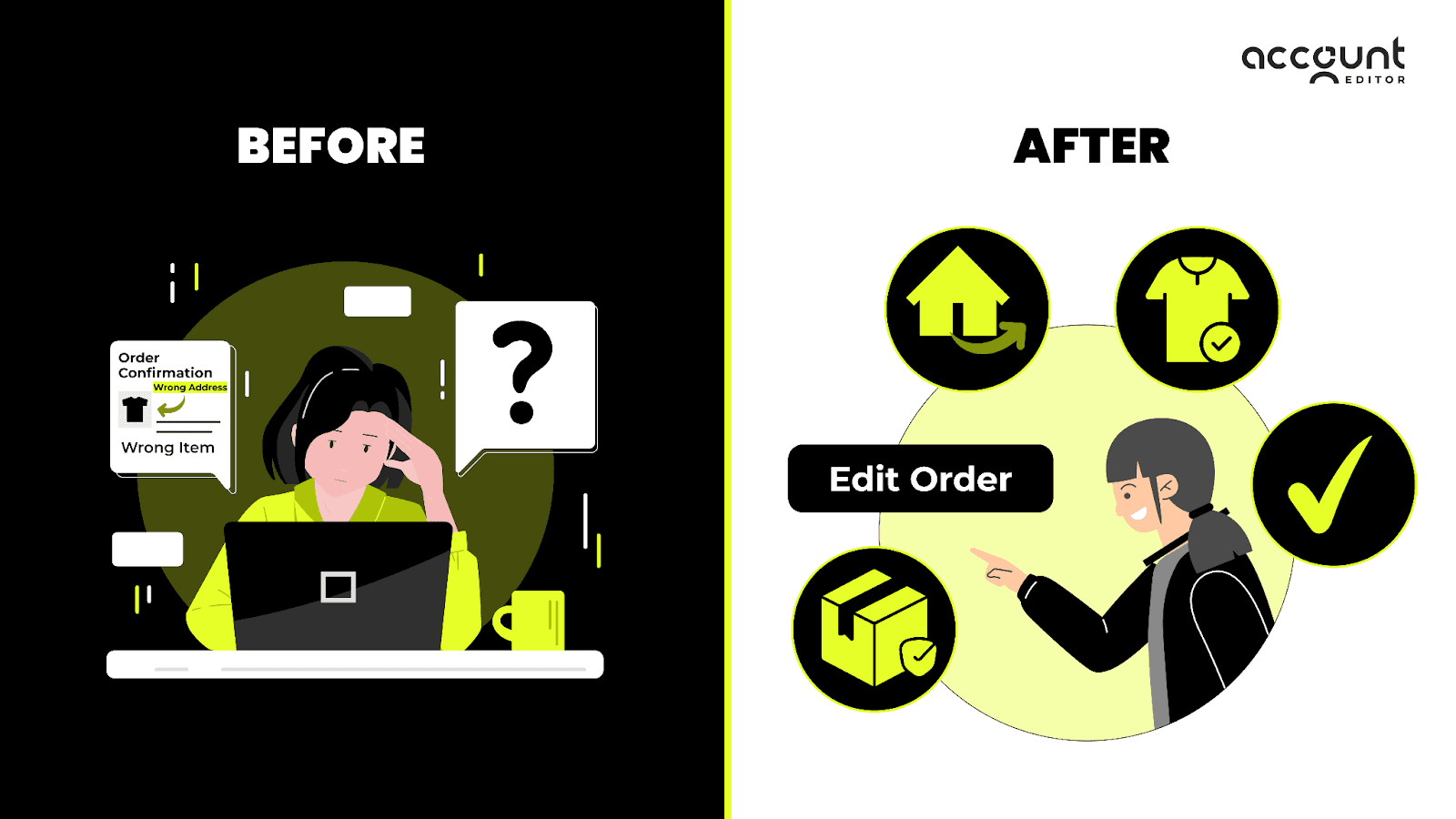
As customer expectations change, Shopify brands face a real challenge. Customers want flexibility after checkout, but merchants do not want more support tickets, manual work, or fulfillment risk. For a long time, these two goals felt impossible to balance.
Modern Shopify brands solve this by changing the flow of responsibility.
Instead of making support teams responsible for every small post-checkout issue, they design the experience so customers can handle simple fixes on their own. Support only steps in when something truly needs human review.
This approach does two important things at the same time:
Customers feel supported and in control
Support teams are protected from repetitive, low-value requests
The key is setting clear boundaries, not unlimited freedom.
1. Giving Customers a Short, Controlled Self-Serve Editing Window
Successful brands do not allow open-ended order editing. That would create chaos.
Instead, they give customers a short and clearly defined window after checkout where changes are allowed. This window exists only before the order moves forward in fulfillment.
Typically, this means:
Customers can edit their order for a limited time after checkout
Editing automatically stops once fulfillment begins
Only specific changes are allowed, such as address updates or item swaps
This structure gives customers confidence without putting operations at risk. Customers know exactly when they can make changes, and merchants know those changes will not interfere with shipping or inventory workflows.
This is where a solution like Account Editor fits naturally. It adds a controlled layer on top of Shopify’s post-checkout flow, allowing merchants to define what customers can edit and for how long, without changing Shopify’s core order process.
Because the rules are clear and automated, support teams do not need to monitor every order or manually approve simple updates.
2. Letting Customers Fix Small Issues Before They Become Big Problems
Most post-checkout issues start small.
A customer notices a wrong address.
A size needs to be changed.
An item was forgotten.
When customers can fix these issues immediately, the situation ends there.
But when they cannot, those same small problems grow. Customers send messages. Support replies. Fulfillment timing becomes stressful. In many cases, the customer cancels the order just to avoid the risk. Modern brands focus on solving problems as early as possible.
By letting customers correct small mistakes right after checkout:
Support tickets never get created
Orders stay intact instead of being cancelled
Customers feel reassured instead of anxious
This approach does not just reduce workload. It changes how customers feel about the brand. Instead of remembering a stressful experience, they remember that the brand made things easy when it mattered.
Over time, this builds trust, reduces cancellations, and keeps support teams focused on higher-value conversations rather than simple fixes.
How Fixing Mistakes After Checkout Improves the Overall Buying Experience
For customers, the buying experience does not end when payment is completed. What happens after checkout often matters more than the checkout itself.
When customers know they can fix small mistakes after placing an order, the entire experience feels safer. They do not feel rushed, trapped, or worried about making a permanent error. Instead, they feel reassured that the brand has thought about real-life shopping behaviour.
This sense of reassurance changes how customers experience the purchase:
They feel less anxious after checkout
They trust that the brand will handle their order correctly
They are more confident about shopping again
Brands that offer this flexibility create a smoother post-checkout journey, where mistakes are treated as normal and manageable, not as problems that require stress or support intervention.
This is why many Shopify merchants add a post-checkout editing layer, such asAccount Editor, to give customers a simple way to make approved changes after checkout while keeping operations under control.
When Customers Feel Supported, They Trust the Brand More
Trust grows when customers feel supported at the exact moment they need help. Allowing customers to fix mistakes after checkout sends a clear message. It shows that the brand understands customers are human and that small errors should not turn into big issues.
When customers feel supported:
They worry less about delivery and fulfillment
They are less likely to cancel the order
They feel more positive about the brand overall
Instead of remembering a stressful situation, customers remember that the brand made things easy. That positive memory often matters more than price or promotions.
Over time, this kind of experience builds long-term trust. Customers are more likely to return, recommend the brand, and feel comfortable placing future orders, knowing they are not taking a risk if something goes wrong.
What This Means for Shopify Merchants
For Shopify merchants, post-checkout mistakes are not just customer issues. They are operational signals. When customers repeatedly reach out to fix small errors, it usually means the store’s post-checkout experience is not aligned with how customers actually shop. Ignoring this gap leads to more support work, higher cancellation rates, and lower trust over time.
Merchants who address this early tend to see clear benefits.
Fewer support tickets for simple changes
Fewer last-minute cancellations
Less pressure on fulfillment teams
More confident and satisfied customers
The key shift is moving from manual fixes to controlled self-service. Instead of having support teams handle every request, merchants can design a post-checkout experience that allows customers to resolve small issues on their own, within clear limits. This protects operations while improving customer confidence.
For growing Shopify stores, this approach also scales better. As order volume increases, manual handling becomes harder to manage. Giving customers a safe way to fix mistakes reduces friction without adding headcount or complexity.Ultimately, this is about control and clarity. When merchants give customers the right level of flexibility after checkout, they reduce risk, protect margins, and build stronger long-term relationships.
Final Thought: Trust Grows When Customers Aren’t Trapped After Checkout
Customers understand that mistakes can happen during online shopping. What they care about most is how easy it is to fix those mistakes once they notice them.
When customers feel stuck after checkout, even a small issue can turn into stress. They start to worry about shipping, delays, or whether the brand will respond in time. That uncertainty slowly weakens trust, even if the product itself is great.
On the other hand, when customers are given a simple way to fix mistakes after checkout, the experience feels different. They feel supported instead of anxious. They feel in control instead of helpless. And most importantly, they feel that the brand understands real shopping behaviour.
For Shopify merchants, this shift matters. Reducing friction after checkout does more than lower support tickets or cancellations. It changes how customers remember the brand. A smooth post-checkout experience often becomes the reason customers come back, recommend the store, and feel confident placing future orders.
If you want to give your customers that flexibility without increasing manual work for your team, tools like Account Editor are designed to help. It allows customers to make approved changes after checkout, within clear limits, so small mistakes do not turn into bigger problems.
Sometimes, building trust does not require more discounts or faster shipping.It simply requires giving customers a safe and easy way to fix a mistake when it matters most.
Explore how Account Editor works and see if it fits your post-checkout experience.