How Order Editing Impacts Fulfillment Accuracy and Customer Trust
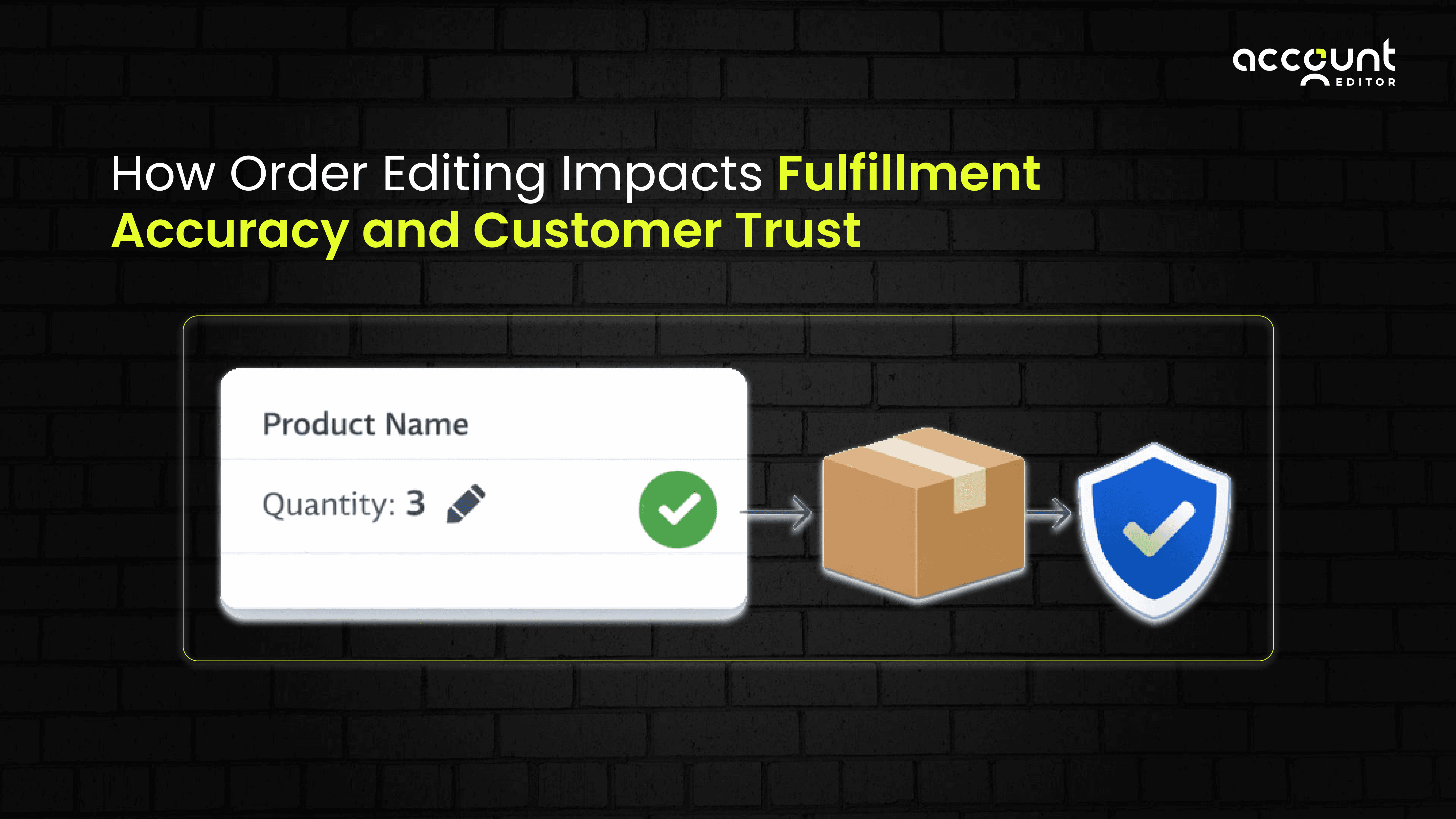
Almost every Shopify store owner faces this situation.
A customer places an order. After a few minutes, they notice a mistake. Maybe the address is wrong. Maybe they selected the wrong size. The order is already paid, but now the customer feels unsure.
They wonder if the mistake will be fixed.
Support hopes they see the message in time.
The order may already be moving toward shipping.
This is where order editing becomes important.
Order editing is not just about convenience. It directly affects how correctly orders are shipped and how much customers trust your store.
In simple terms, order editing means changing an order after checkout but before it is shipped. On Shopify, when and how these changes happen matters a lot.
What Order Editing Means in a Shopify Store
In Shopify, merchants can edit an order only if it has not been fulfilled yet. This means the order is not packed or shipped.
Merchants can fix things like product quantity, items, shipping address, or charges while the order is still unfulfilled.
Shopify explains clearly that once fulfillment starts, changes are no longer allowed. This helps Shopify keep order details correct across payment, inventory, and shipping systems.
Why Shopify Limits Order Editing
Shopify does this for a good reason.
When fulfillment starts, inventory may already be set aside, and shipping labels may already be created. If changes were allowed at this stage, orders could ship incorrectly.
These limits help make sure fulfillment teams and shipping partners always work with the correct order details.
Why Fulfillment Accuracy Starts Before Shipping
Many people think fulfillment mistakes happen in the warehouse. But often, the problem starts earlier.
If the address is wrong, the package may not be delivered.
If the wrong item is ordered, the customer may return it.
If the quantity is wrong, refunds and inventory issues happen.
These problems usually start with incorrect order details, not with shipping mistakes.
Studies show that order accuracy is very important for good fulfillment and happy customers. When orders are correct from the start, stores see fewer delivery problems and returns.
Order editing helps to fix mistakes early, before shipping begins.
Timing Makes Order Editing Helpful or Risky
Order editing works well only when it happens at the right stage of the order lifecycle. On Shopify, this stage is closely linked to whether an order is unfulfilled or already in fulfillment.
Shopify separates orders into clear states so that inventory, shipping, and fulfillment teams always work with accurate information. Because of this, when you edit an order matters just as much as what you edit.
1. Editing Orders Before Fulfillment Begins
When an order is still unfulfilled, Shopify allows merchants to make changes safely. At this stage, the order has not yet been picked, packed, or shipped.
If an edit is made during this time, Shopify updates the order details before they are sent to fulfillment services. This means:
The correct items are picked
The correct address is used
The correct quantities are shipped
Because fulfillment has not started, these updates do not cause conflicts with inventory or shipping systems. As a result, fulfillment teams can ship the correct order, and customers receive exactly what they expect.
This is the safest and most reliable time to allow order edits.
2. Editing Orders After Fulfillment Starts
Once fulfillment begins, Shopify limits what can be changed. This is because items may already be packed, shipping labels may be created, or the order may be shared with a fulfillment service or carrier.
At this stage, changing order details can cause problems such as:
Shipping the wrong item
Sending a package to the wrong address
Delays caused by reprocessing the order
To prevent these issues, Shopify restricts edits after fulfillment starts. These limits help protect order accuracy and reduce fulfillment errors.
Because of this, Shopify recommends having clear rules around when order editing is allowed, so that changes happen before fulfillment begins and not during the shipping process.
How Order Editing Builds Customer Trust
Customers do not think about systems or workflows. They think about feeling safe after placing an order.
When customers see a way to fix a mistake, they feel calm. They trust that the store will handle their order correctly.
Accurate order handling and good after-purchase support improve customer satisfaction and trust.
Why Customers Cancel Orders Instead of Fixing Them
Most customers do not cancel orders because they no longer want the product. They cancel because they feel unsure about what will happen next.
After checkout, customers sometimes notice a small mistake, such as a wrong address, the wrong size, or a missing item. At this point, they look for a quick way to fix it. If they cannot find a clear option to edit the order, canceling feels safer than waiting and hoping the issue is resolved.
When customers are given a simple way to edit their order after purchase, they feel more confident and are less likely to cancel. A post-purchase order editing app allows customers to fix mistakes instantly, which helps merchants reduce unnecessary cancellations.
Tools like Account Editor support this by letting customers make safe changes within a set time window, instead of canceling and placing a new order.
Support Tickets Are a Sign of a Bigger Problem
Requests like “Please change my address” or “Can I swap this item?” are very common in Shopify stores.
This happens because customers cannot edit their own orders after checkout. When they notice a mistake, they must contact support and wait for help, even for simple changes.
As a result, support teams spend a lot of time handling basic order updates instead of focusing on more important customer issues. This slows response times and increases support workload as the store grows.
When customers are allowed to fix small mistakes on their own, many of these tickets never happen. Order editing apps make this possible by letting customers safely edit orders within set limits, reducing repetitive support requests.
In short, frequent order-change tickets are not just a support issue. They show that customers need an easier way to fix mistakes after checkout.
What Safe Order Editing Looks Like
Safe order editing is not about allowing unlimited changes. It is about setting clear rules that work for both customers and operations.
First, customers should clearly know how long they are allowed to make changes after checkout. When this time window is visible and easy to understand, customers feel calm and know exactly what to expect.
Second, changes should be limited as shipping gets closer. This helps prevent last-minute edits that could interfere with packing or delivery. It also protects fulfillment teams from working with changing order details.
Finally, support and fulfillment teams should be able to see what was changed. When everyone works from the same updated order information, mistakes are less likely to happen.
When these elements are in place, orders stay accurate, fulfillment runs smoothly, and customers feel confident that their order will arrive correctly.
Why Growing Shopify Stores Need Better Order Editing
As stores grow, manual order editing becomes harder.
Support teams get busy.
Fulfillment teams lose confidence in order details.
Customers wait longer for help.
Shopify gives a strong base for managing orders, and many growing stores add tools to manage order changes more easily.
This is where tools like Account Editor fit naturally. These tools work with Shopify’s system to let customers make safe changes without affecting shipping.
Order editing is not about giving customers too much freedom. It is about giving them confidence.
When order changes are clear, early, and correct, shipping works better, and customers feel safe buying from your store.
That trust is what helps ecommerce businesses grow over time.
Final Thoughts: Why Order Editing Matters More Than You Think
Order editing may seem like a small part of running a store, but it plays a big role in what happens after checkout.
When customers can fix simple mistakes early, orders are shipped more accurately. Fulfillment teams work with the correct information. Support teams handle fewer basic requests. Most importantly, customers feel confident that their order is in good hands.
On Shopify, timing and structure matter. Order edits work best when they happen before fulfillment starts and follow clear rules. This approach protects shipping accuracy while still giving customers peace of mind.
For growing stores, adding a structured way for customers to edit orders can make a real difference. An app like Account Editor helps merchants allow safe, self-serve order changes without disrupting fulfillment.
In the end, good order editing is not about flexibility alone. It is about clarity, accuracy, and trust. When those are in place, both your operations and customer relationships become strong.
Let customers safely edit their orders after checkout, before fulfillment begins. This keeps order details accurate, reduces support tickets, and builds trust, without disrupting your Shopify fulfillment flow.
Install Account Editor and keep orders accurate from checkout to delivery.