How to Edit Shopify Orders After Checkout (And When You Need an Order Editing App)
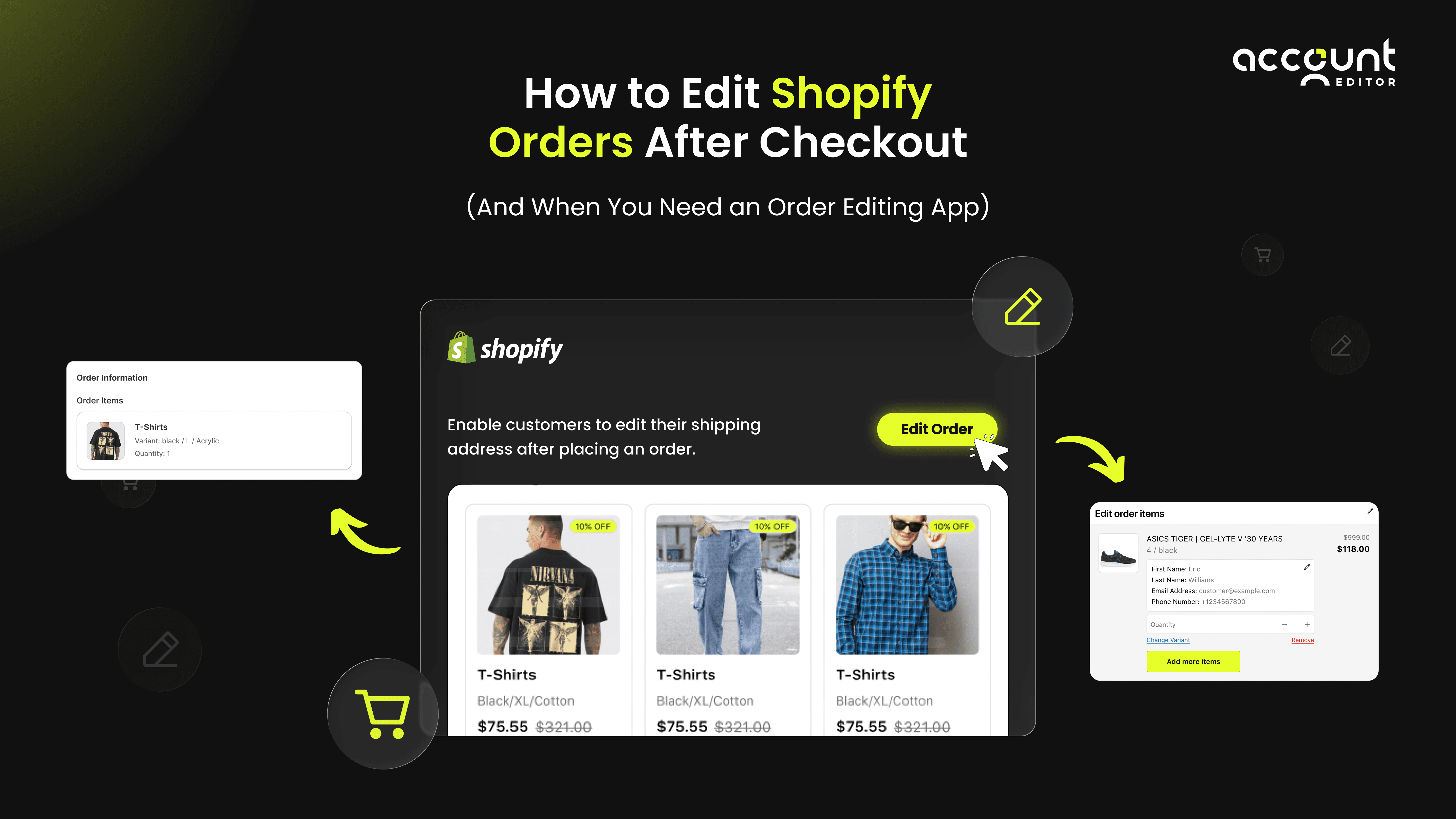
Every Shopify store owner knows this scenario: a customer places an order, and within minutes, an email lands in your inbox:
“I selected the wrong size.”
“Can you change my shipping address?”
“I forgot to add another item.”
“Can I swap this variant?”
These requests aren’t just small annoyances. They are operational challenges that can slow fulfillment, create errors, and frustrate customers. With mobile shopping, impulse purchases, and complex product variants, last-minute order changes have become increasingly common. However, Shopify’s native post-purchase editing capabilities are limited. This creates delays, increases customer support workload, and can lead to shipping errors or lost revenue. That’s why post-purchase order editing apps like Account Editor are becoming essential. They allow merchants to offer self-service edits, streamline fulfillment, and maintain inventory accuracy, all while keeping customers happy.
In this guide, we’ll cover:
What Shopify allows and blocks after checkout
Why editing orders is crucial for operational efficiency
Step-by-step instructions for editing orders
When and why an order editing app is necessary
Real-world examples and numeric insights from Shopify stores using Account Editor.
What Shopify Actually Allows You to Edit After Checkout
Shopify provides native order editing tools, but these are limited. While they allow basic post-purchase order changes, many real-world merchant needs cannot be fulfilled without additional tools. Understanding Shopify’s capabilities is essential for effective Shopify order management and minimizing fulfillment errors.
Edits Shopify Supports Natively
Shopify’s native order editing lets merchants :
Change product quantities: Merchants can increase or decrease quantities for unfulfilled items directly from Shopify Admin. Shopify Reference
Add or remove items: You can add new products or custom items, or remove unfulfilled items. Shopify automatically updates the order total and indicates whether a refund is owed or additional payment is required. Shopify Reference
Edit item-level prices, discounts, or taxes: Merchants can adjust prices or apply discounts on the backend. Shopify recalculates taxes automatically when items are modified. Shopify Reference
Adjust shipping rates (pre-fulfillment only): Shipping charges can be modified before fulfillment labels are purchased, helping maintain accurate totals. Shopify Reference While these edits provide some flexibility, they are rarely sufficient for stores with complex post-purchase workflows.
What Shopify Does Not Allow
Native Shopify editing has important restrictions:
Payment method: Once captured, the payment method cannot be changed.
Shipping address after fulfillment starts: Shopify prevents edits to addresses after fulfillment begins.
Billing address: Cannot be updated once the order is completed.
Customer self-editing: Shopify does not offer native customer self-service post-purchase editing; any self-serve capability must be enabled via an app.
Discount codes: Finalized discount codes cannot be edited.
Fully fulfilled or locked orders: Once fulfillment begins, Shopify restricts edits, creating operational challenges.
The Real Reasons Shopify Stores Need Post-Purchase Order Editing
Even with some native editing tools, Shopify stores often encounter situations where edits are necessary for operational success.
Customer Errors
These are the most common support tickets for Shopify merchants:
Wrong variant: Customers frequently select the wrong size, color, scent, or material.
Incorrect shipping address: Typos, missing apartment numbers, or entirely wrong addresses.
Forgotten items: Accessories, gifts, or complementary products often need to be added after purchase.
Swap requests: Changing variants after checkout is a common scenario, especially in fashion, candles, or cosmetics.
Merchant Requirements
Sometimes, the need to edit orders originates from the store itself:
Out-of-stock issues: Swap products without canceling entire orders.
Correcting wholesale orders: Bulk or B2B orders often require quantity or SKU adjustments.
Fixing pricing or variant mistakes: Staff errors during order creation must be corrected.
Last-minute adjustments: High-demand sales or drops require agile editing processes.
Operational Challenges
Without proper editing tools, stores face:
Increased support workload: Handling multiple post-purchase edit requests manually.
Manual refunds and recharges: Time-consuming, error-prone, and frustrating for customers.
Slow fulfillment: Teams must pause, correct, and re-verify orders before shipping.
Higher risk of shipping errors: Incorrect fulfillment leads to returns and lost revenue.
How to Edit Shopify Orders in the Shopify Admin
You can edit an order in the Shopify Admin by opening Orders, selecting the specific order, and clicking Edit. Shopify lets you update items by adding or removing products, changing quantities, editing the shipping address, or modifying the shipping method. After making changes, Shopify automatically shows whether the customer needs to be charged extra or refunded. You can then send an updated invoice or process the refund, and save the order to apply the changes.
When Shopify’s Native Editing Isn’t Enough (And You Need an Order Editing App)
As your Shopify store grows, you’ll quickly hit the limits of native editing. For many stores, especially fast‑moving or high‑volume ones, simple corrections aren’t enough. That’s when you need a robust order editing solution to stay efficient.
When Shopify Admin Fails
Here are the most common real‑world situations where native Shopify falls short:
Customers expect self‑service editing
Many shoppers want to update their shipping address, swap variants, or add items without waiting for support. Shopify doesn’t let customers self-edit orders, forcing manual intervention.Address mistakes discovered after fulfillment begins
Once fulfillment or shipping processing starts, Shopify blocks key edits like shipping address changes, risking misdeliveries or returns.Variant changes on prepaid items
Native Shopify lets you change variants only by removing the incorrect line item and adding the correct one, which may require manual payment adjustments.Adding items after purchase requires manual work
For example, if a customer wants to add a gift or accessory post-checkout, you must manually edit the order, recalculate totals, generate a new invoice, and wait for payment. That adds time and friction.High support ticket volume doesn’t scale
Manual edits for each request bog down support teams, especially if you receive many change requests daily.Bulk edits during flash sales or peak periods
When dozens or hundreds of orders need adjusting (variants, add-ons, address fixes), the native Shopify admin becomes impractical and error‑prone.
In short, when errors are frequent, changes are complex, or volume is high, native Shopify editing often becomes a bottleneck.
What an Order Editing App Enables: Why It’s a Game Changer
Order editing apps like Account Editor bridge these gaps and unlock real flexibility. Here’s what they enable, backed by real metrics from stores using the app:
Customer self‑service editing:
Customers can update their address, change variants, add/remove items, or adjust quantities directly from their order‑status page. No support ticket needed.Mid‑fulfillment corrections:
Edits stay synced even if fulfillment or 3PL processes are in progress (as long as rules allow), reducing shipping errors and returns.Post-purchase add-ons and upsells:
Customers can seamlessly add accessories or upgrades after checkout, boosting average order value (AOV) without needing a new checkout flow.Automatic payment adjustments:
Native Shopify does not automatically charge for added items or refund for removed items; merchants must handle invoicing manually. Certain apps offer automated payment adjustments.Bulk order edits:
For sales spikes or flash sales, you can adjust dozens or hundreds of orders at once, ideal for high-volume stores managing many changes simultaneously.Real-time fulfillment & inventory sync:
Edits propagate to 3PL systems, warehouse management, and shipping apps automatically, avoiding picking errors, wrong shipments, and inventory mismatches.Smart notifications & audit trail:
Both merchants and customers get updated order confirmations, and all changes are tracked, helpful for customer service, transparency, and dispute resolution.
To understand the importance of order editing apps read our related guide.
Real Numbers: Impact of Using Account Editor
To show how powerful order-editing apps can be, here are actual results from merchants using Account Editor:
Over 500,000+ order edits processed across live Shopify stores since launch.
Stores report dramatic reductions in support load; some saw address-change tickets drop by 80%.
Post-purchase upsells via self-service edits resulted in significant added revenue (many stores saw double-digit increases in AOV).
These metrics show that an order editing app isn’t just a convenience; it becomes a strategic tool for operational efficiency, customer satisfaction, and revenue growth.
Why Many Shopify Stores Choose an Order Editing App
Because native Shopify order editing is limited, many stores reach a point where manual edits become:
Time-consuming
Error-prone
Confusing for customers (refunds, re-invoicing)
Poor for scaling during busy periods
In contrast, an order editing app helps you:
Reduce support tickets and workload
Speed up fulfillment and reduce errors
Increase average order value via post-purchase upsells
Give customers a smoother, self-service post‑purchase experience
Scale operations without proportional increases in labor
Practical Examples of Post-Purchase Editing Workflows
Managing post-purchase order changes efficiently is crucial for Shopify stores. While native Shopify order editing can handle basic adjustments, it’s often time-consuming and error-prone. Here are real-world scenarios showing the difference between Shopify’s native tools and a dedicated order editing app like Account Editor.
Example 1 - Variant Change After Checkout
Without an app:
If a customer ordered the wrong variant (size, color, or scent), merchants must issue a refund, create a draft order, add the correct variant, and process payment manually. This process typically takes 5–8 minutes per order, and mistakes can occur during manual entry.
With Account Editor:
The customer can swap variants directly on the order page. Totals, taxes, and shipping update automatically, and the change is reflected instantly in Shopify Admin and fulfillment systems. This process takes only 10–15 seconds per order, drastically reducing support workload and post-purchase editing time.
Example 2 - Adding an Item After Purchase
Without an app:
Adding a missed item requires creating a draft order, generating a new invoice, and requesting the customer to pay again. This workflow is slow, increases friction, and may frustrate the customer.
With Account Editor:
Customers can add items directly to their existing order. Payments are automatically adjusted, totals recalculated, and inventory synced. This streamlined workflow improves post-purchase editing efficiency and enhances the customer experience.
Example 3 - Fixing an Address Error
Without an app:
Customers may notice an incorrect shipping address and request a change. With native Shopify, merchants must manually update the address before fulfillment begins.
Mid-fulfillment with an app:
Apps like Account Editor allow address edits even after fulfillment starts. Updates automatically sync with warehouse software and 3PLs, preventing shipping mistakes, returns, or lost packages. This reduces fulfillment errors and ensures a smoother Shopify order management workflow.
Example 4 - Bulk Order Adjustments During High Sales
High-volume sales scenario (Black Friday, flash sales, or product launches):
Manual edits across dozens of orders are labor-intensive and error-prone.
With our app :
A Shopify store edited 96 orders in 3 hours, automatically adjusting items, variants, and quantities. The app reduced 14 potential fulfillment errors, saved significant manual labor, and ensured accurate, timely delivery. Bulk editing capabilities like this make post-purchase order changes scalable during peak demand.
How Apps Like Account Editor Improve Shopify Post-Purchase Workflow
For growing Shopify stores, relying solely on native editing tools often leads to inefficiencies, fulfillment errors, and increased support workload. Apps like Account Editor streamline post-purchase editing by automating key tasks and enabling scalable workflows. Below is a detailed look at the benefits, operational impact, and inventory syncing advantages.
Key Benefits
Using an order editing app provides significant operational and customer service advantages:
Self-service updates: Customers can update addresses, swap variants, change quantities, or add items without contacting support. This reduces repetitive tickets and enhances the customer experience.
Lower support load: Merchants report 40–70% fewer support tickets related to order changes after implementing Account Editor, freeing up staff for higher-value tasks.
Faster and accurate fulfillment: Changes made via the app sync instantly with Shopify Admin and fulfillment systems, ensuring that warehouse teams always have the correct information.
Automated payment reconciliation: Refunds for removed items or additional charges for added items happen automatically in real-time, reducing errors and saving accounting time.
Reduced warehouse mistakes: Corrected orders are reflected immediately on packing slips, preventing double shipments, picking errors, and inventory mismatches.
By leveraging these benefits, Shopify merchants can optimize post-purchase order changes, improve accuracy, and provide a frictionless customer experience.
Numeric Operational Impact
The operational efficiency of an order editing app can be quantified:
This is equivalent to 2–3 workdays saved per month for a single support agent, allowing the team to focus on growth, strategy, and improving the customer journey instead of repetitive manual edits.
Stores also report fewer fulfillment errors, faster resolution of customer requests, and increased overall efficiency in order management.
Fulfillment & Inventory Syncing
Accurate fulfillment and inventory management are critical for preventing costly errors. Our App Account Editor ensures:
No double shipments: Corrected items instantly replace the original ones, preventing duplicate shipments and returns.
Packing slips always match updated orders: Warehouse teams see the latest version of the order, reducing mistakes during picking and packing.
Accurate inventory counts: Stock levels automatically adjust when items are added, removed, or swapped, maintaining reliable inventory management.
By addressing these critical operational areas, order editing apps not only save time but also enhance overall post-purchase workflows, reduce errors, and improve customer satisfaction.
Conclusion
Shopify’s native order editing features are limited for modern eCommerce operations. As customer expectations grow and order volumes increase, relying solely on manual edits or native Shopify tools can cause:
Operational inefficiencies
Higher support workloads
Increased fulfillment errors
Lost revenue
Order editing apps like Account Editor provide a scalable, automated solution:
Enable customer self-service edits
Streamline fulfillment and inventory management
Reduce errors and save time
Allow post-purchase add-ons and upsells
For Shopify merchants serious about operational efficiency and customer satisfaction, post-purchase order editing apps are no longer optional. They are essential.