New: Auto-sync with Shopify
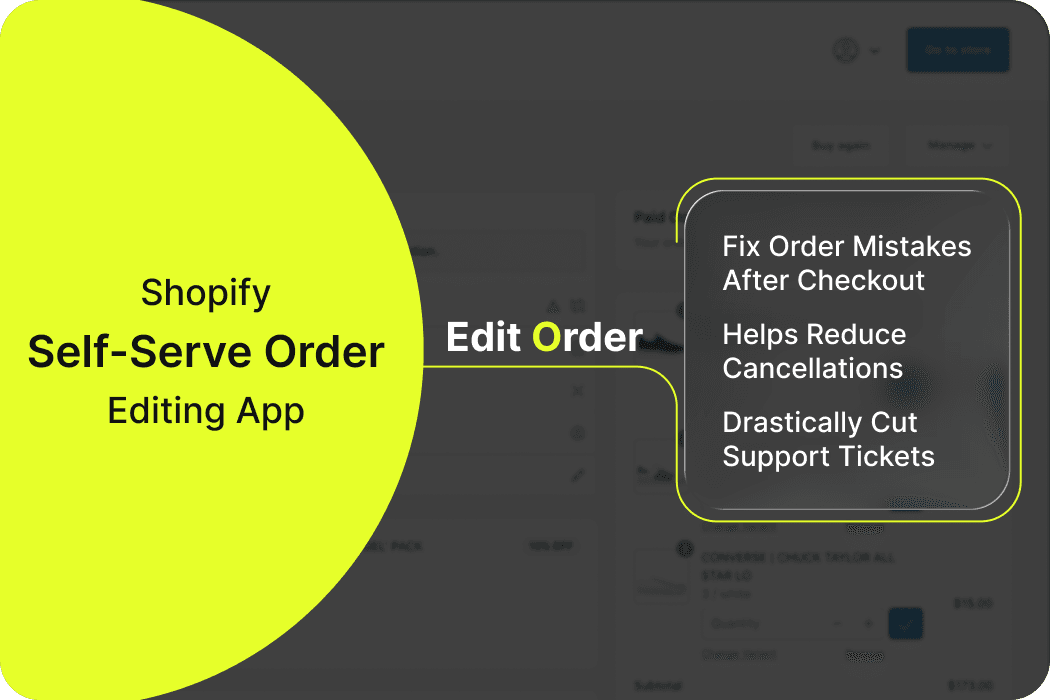
Shopify Self-Serve Order Editing App
Empower customers to fix order mistakes after checkout. A self-serve order editing app helps reduce cancellations, prevent unnecessary refunds, and drastically cut support tickets.
Simple monthly pricing
No coding required
Common Reasons Shopify Orders Get Cancelled
Wrong Shipping Address
A small typo can turn into a failed delivery and refund request.
Rising Support Tickets
Your team spends hours resolving problems that customers could fix themselves.
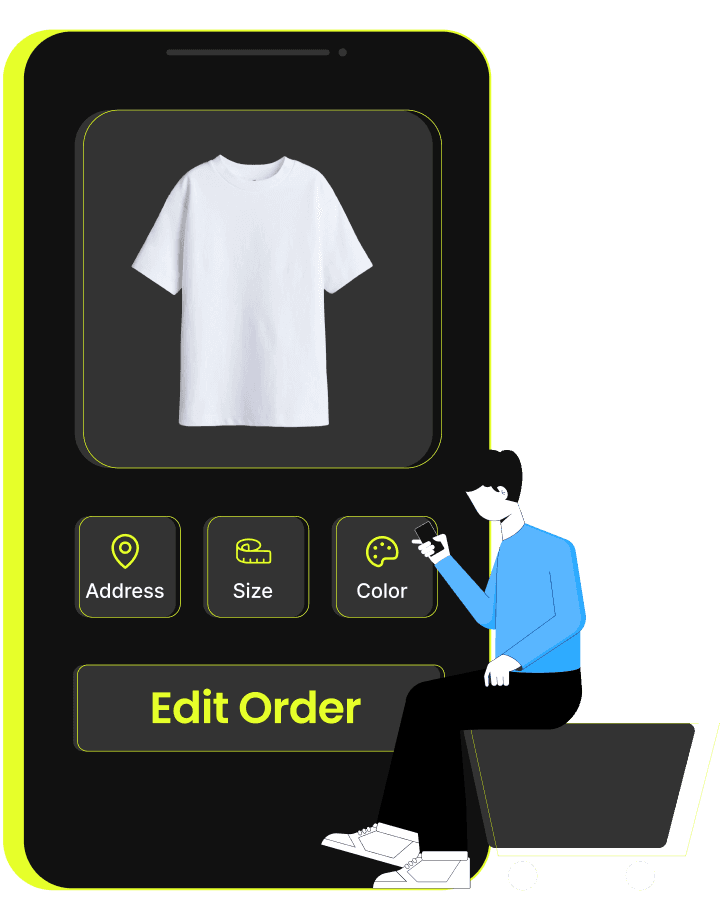
Incorrect Variant or Size
One wrong click at checkout leads to unnecessary order edits and cancellations.
Lost Sales from Cancellations
Every delayed edit increases the chance of cancellations and lost revenue.
Reduce Cancellations by Letting Customers Self-Edit Order Instantly
– Powered by Account Editor
Account Editor provides customers with controlled post-purchase flexibility to update their orders before fulfillment, without contacting support or risking revenue loss.
Order Editing
Give users the freedom to correct mistakes and update their order details with ease.
Add/Remove item
Let customers quickly add or remove products from their order without cancelling.
Replace Item
Allow shoppers to exchange any product for another, no refund or reorder required.
Shipping address validation
Automatically detect and fix invalid or incomplete addresses before fulfillment issues occur.
The Impact of Self-Serve Order Editing on Shopify Stores
Trusted by 3,000+ Shopify brands, powering 500,000+ successful order edits, backed by 200+ five-star reviews.
Merchant Success Stories Using Self-Serve Editing
Michael Rodriguez
"Account Editor helped us reduce cancellation rates by 32% and support tickets by half. The ROI was immediate."
Sarah Kim
"The post-purchase upsells alone paid for the app in the first week. Our customers love being able to edit their orders."
David Chen
"Setup took 5 minutes and we saw results immediately. The address editing feature alone saves us hours every day."
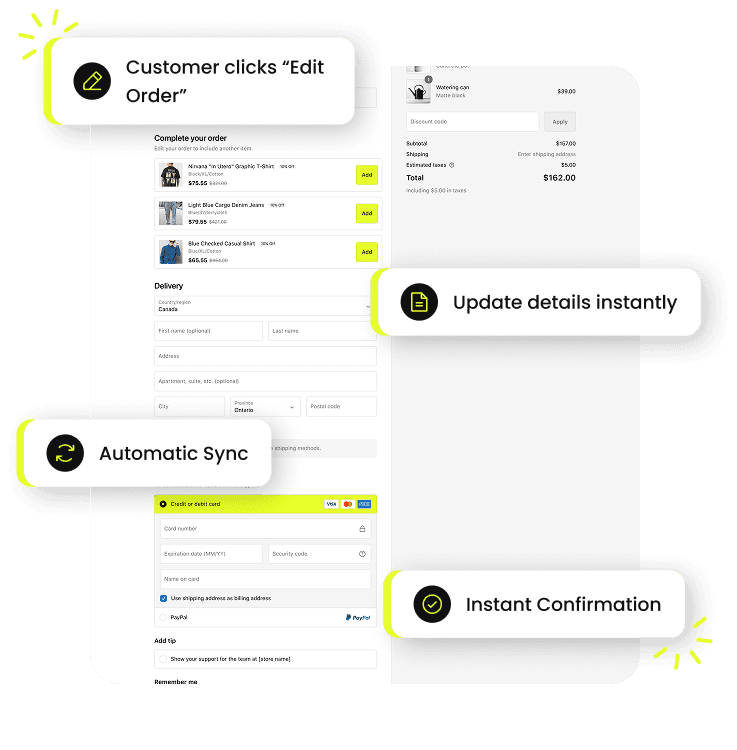
How Customers Edit Their Orders Using Self-Serve Editing
01
Customer clicks “Edit Order” on their order status page.
02
They adjust items, swap variants, update quantities, or fix their address.
Changes sync instantly with Shopify — no manual work required.
04
Both merchant and customer receive automated confirmation emails.
Can customers edit their orders after checkout ?
How does a self-serve order editing app reduce Shopify order cancellations?
Can customers edit items, variants, or quantities after placing an order?
How long can customers make edits?
Do edits sync automatically with Shopify?
Is installation difficult?
Give Shoppers the Self-Serve Flexibility That Prevents Cancellations
Empower customers to fix order mistakes before fulfillment, reducing cancellations, preventing refund requests, and improving customer satisfaction effortlessly.
A robust self-serve order editing app enhances accuracy, saves support hours, and helps merchants recover revenue automatically.