Shopify’s classic customer accounts are often described as “legacy,” for many merchants, they still form the backbone of how customers access their store after checkout. While Shopify has introduced newer account models, a large number of stores continue to rely on classic accounts for their simplicity, familiarity, and stability.
This guide breaks down the features of Shopify Classic customer accounts in clear, practical terms. Instead of listing features in isolation, it explains what each feature allows customers to do, how it affects post-purchase experience, and where classic accounts work well or start to show limitations as a store grows.
Core Features of Shopify Classic Customer Accounts
There are certain features that describe classic customer accounts in a better way.
1. Email & Password Login
The core authentication feature of Shopify Classic customer accounts is email and password login. Customers create an account using their email address and a password, either during checkout or from the store’s account registration page. They then use these credentials to log in for future visits.
From a merchant perspective, this login method has a few clear characteristics:
It follows a traditional e-commerce pattern that most customers already understand
It requires no additional identity verification beyond email and password
It is easy to implement and requires minimal configuration
This familiar login method makes it easy for customers to access their accounts, but forgotten passwords can still push some to rely on emails or support. Shopify’s documentation confirms that email-and-password login remains supported for classic customer accounts.
2. Order History Access
Order history access is one of the most practical features of Shopify Classic customer accounts. It gives customers a single place to review what they’ve purchased in the past, without needing to search through emails or contact support.
With order history access, customers can:
View a list of past orders placed in the store
Check basic order details, such as items purchased and order dates
Reference previous purchases when reordering or contacting support
This feature matters because it directly reduces uncertainty after checkout. When customers can easily confirm what they ordered and when, they are less likely to reach out with basic questions. For merchants, this means fewer routine support requests and a clearer post-purchase experience without adding operational complexity.
3. Order Status Visibility
Order status visibility helps customers understand what is happening with their order after checkout. In Shopify Classic customer accounts, this feature gives customers a basic way to track progress without relying entirely on email updates.
With order status visibility, customers can:
Check whether an order is processing, fulfilled, or delivered
See status updates tied to their past purchases
Confirm that an order is moving forward without contacting support
This visibility matters because it reduces common “Where is my order?” questions. When customers can see order status inside their account, they are more likely to self-serve for updates, which helps merchants keep support volume lower and post-purchase workflows smoother.
4. Saved Addresses & Basic Profile Management
Saved addresses and basic profile management give customers a simple way to store and reuse information for future purchases. In Shopify Classic customer accounts, this feature is intentionally limited but still useful for repeat buyers.
With this capability, customers can:
Save and manage one or more shipping addresses
Update basic profile details linked to their account
Use saved information to speed up future checkouts
This feature helps returning customers check out faster and reduces repeated data entry. However, saved address updates usually apply to future orders, not changes to orders already placed, which limits their impact on post-purchase issues as volume grows.
What Customers Can (and Cannot) Do Inside Classic Customer Accounts
Shopify classic customer accounts are designed to cover essential post-purchase needs, but they are intentionally limited. Understanding both the capabilities and the gaps helps merchants set the right expectations and decide whether classic accounts are sufficient for their store.
1. What customers can do inside classic accounts:
Log in using an email and a password to access their account
View order history and check basic order status
Manage saved addresses and update limited profile details
Use past order information as a reference for reordering or support inquiries
These features give customers a basic level of visibility and control after checkout. For many stores, this is enough to handle routine post-purchase access without adding complexity.
2. What classic customer accounts do not support:
Passwordless or one-time code login experiences
Self-serve edits to existing orders after checkout
Advanced customer portals or personalized account dashboards
Identity-based workflows that span checkout, accounts, and post-purchase actions
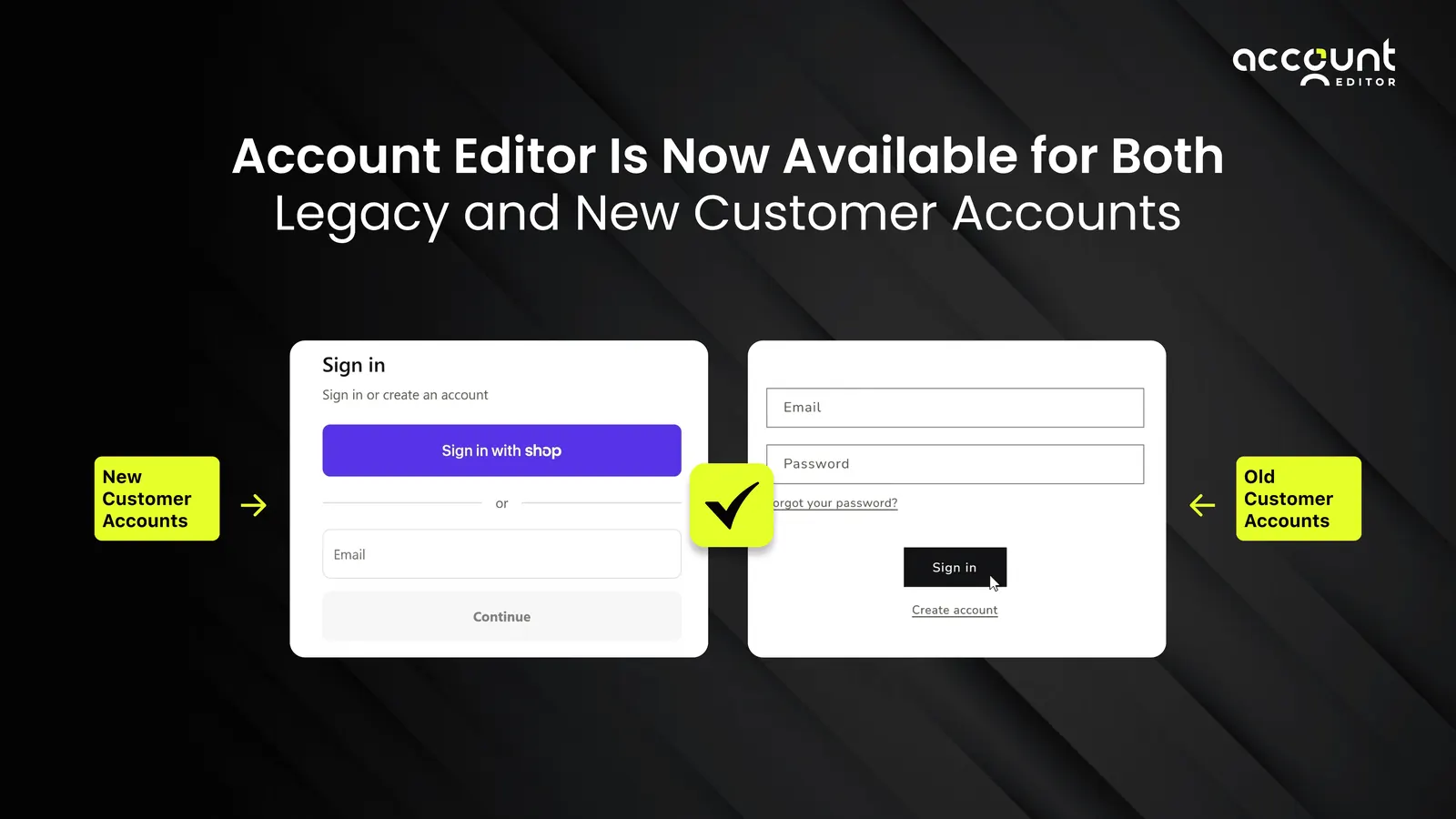
These limitations explain why classic accounts work well for straightforward use cases but start to show strain as order volume and post-purchase requests increase. Customers can view information, but they cannot take meaningful action beyond basic account management.For merchants, this distinction becomes critical as support tickets grow and post-purchase changes pile up. To address this gap without replacing the familiar login experience, modern post-purchase app like Account Editor are now compatible with classic (legacy) customer accounts, allowing merchants to extend self-service actions to their customers such as order edits, address updates, and cancellations while keeping their existing account structure intact.
When Classic Customer Account Features Are Enough
For many Shopify merchants, classic customer account features still do the job. The key is whether your store’s post-purchase needs are simple and predictable.
Classic accounts are often enough when:
Customers mainly need visibility into order history and status, not post-purchase actions
Most communication happens through email confirmations rather than account logins
Support volume related to accounts, addresses, or order changes is already low
The store prioritizes stability and minimal change over experimentation
Order volume is manageable without complex post-purchase workflows
In these scenarios, classic customer accounts provide a reliable, low-maintenance way to support customers after checkout.
Classic Account Features vs Modern Merchant Expectations
Classic customer accounts were built for a time when email handled most post-purchase communication. Today, merchants expect accounts to reduce support load and give customers more control after checkout.
While classic accounts provide order visibility, they do not support deeper self-service or post-purchase actions. Customers can see what they ordered, but cannot easily fix issues themselves, which often pushes requests to support. This gap becomes more noticeable as stores grow and post-purchase expectations increase.
Should Merchants Rely on Classic Accounts Long-Term?
Classic customer accounts can remain a solid foundation, but their long-term suitability depends on how a store’s needs evolve. The question is not whether classic accounts still work, but whether they continue to support customer behavior and operational demands as the business grows.
Classic accounts may be a good long-term choice if:
Customers mainly log in to view order history or check order status
Post-purchase requests are limited and manageable through email or support
Order volume is stable without frequent address changes or edits
The store prioritizes consistency and low operational risk over new experiences
As stores scale, however, customer expectations often shift toward faster access and more self-service. When customers want to act on orders, not just view them, classic accounts start to rely heavily on support to fill the gap. Evaluating classic accounts regularly helps merchants decide whether they remain sufficient on their own or need to be paired with more flexible post-purchase workflows over time.
Key Takeaways for Shopify Merchants
Shopify classic customer accounts remain a reliable option, but their value depends on how closely they match your store’s post-purchase needs and growth stage. Understanding what these accounts do well, and where they fall short, helps merchants make informed, low-risk decisions.
Key points to remember:
Classic customer accounts focus on basic access, such as login, order history, and order status, rather than post-purchase actions
Their simplicity makes them stable and familiar, especially for stores that rely heavily on email communication
Customers can view information but cannot self-serve changes to existing orders, which often shifts work to support
As order volume grows, the gap between visibility and action becomes more noticeable
Classic accounts work best when post-purchase needs are predictable and support load is manageable
They are most effective as an access layer within a broader post-purchase system, not a complete solution on their own
For Shopify merchants, the goal is not to replace classic accounts by default, but to understand when they are sufficient and when additional post-purchase workflows are needed. Approached strategically, classic customer accounts can continue to support a smooth customer experience while merchants plan for future scale.
Turn classic customer accounts into real post-purchase control with Account Editor.